
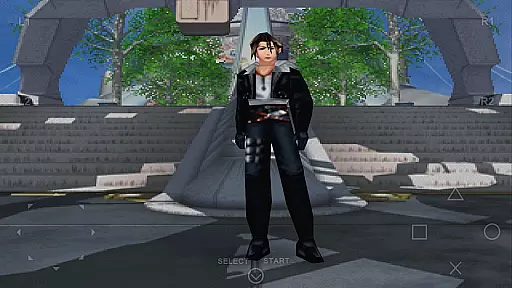
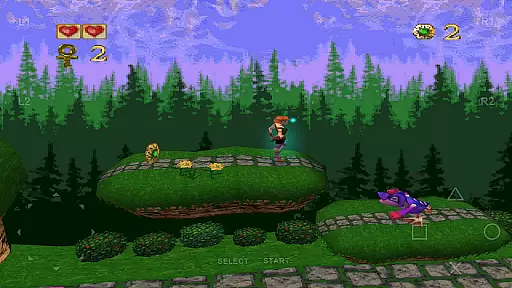
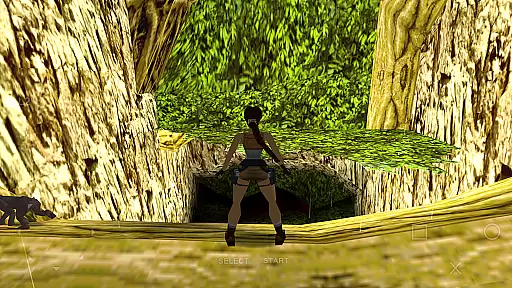
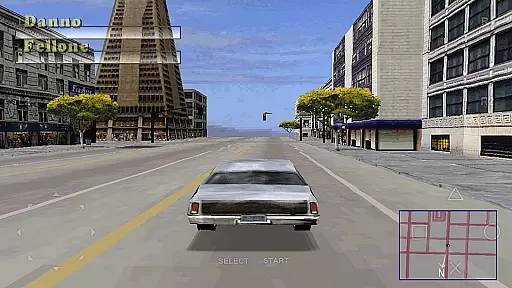
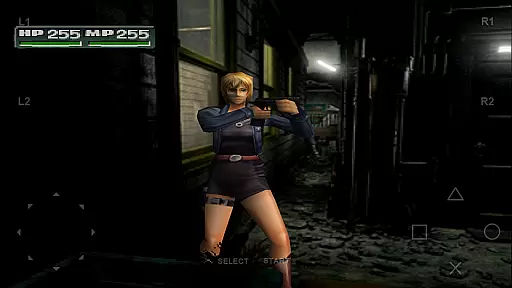
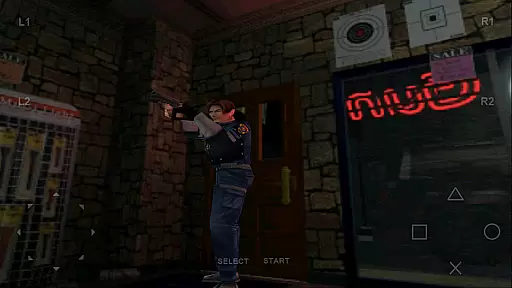
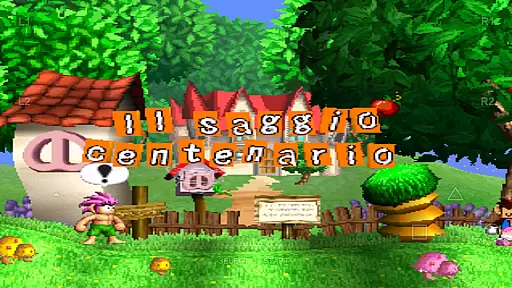
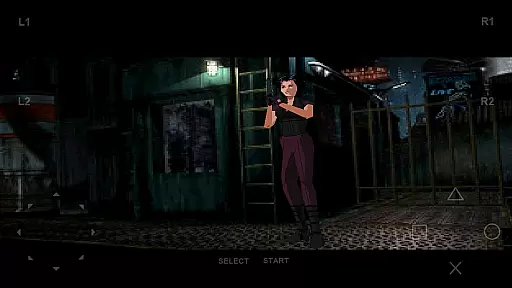
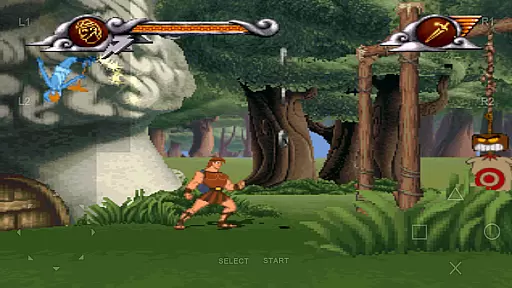
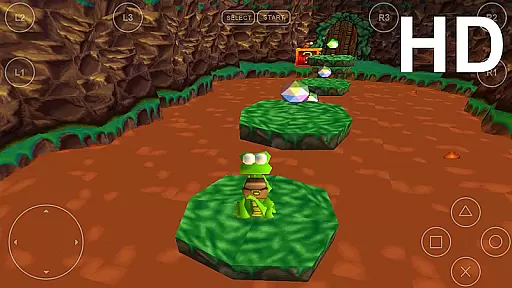
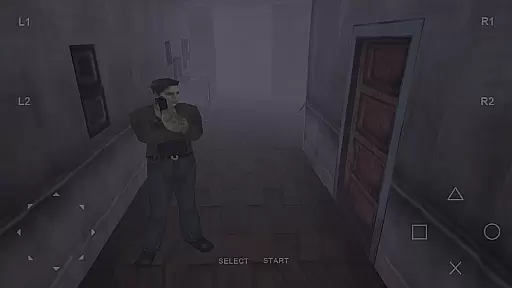
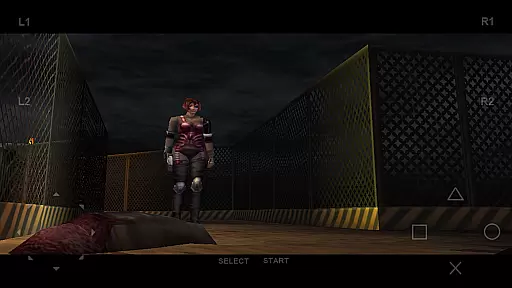
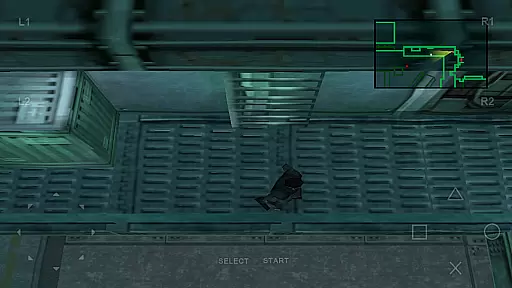

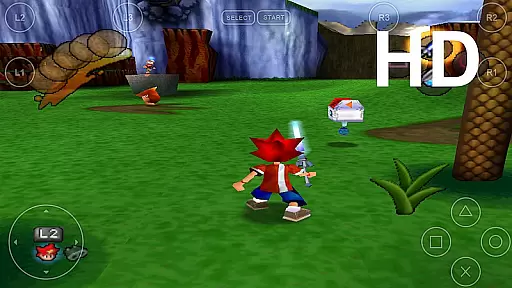
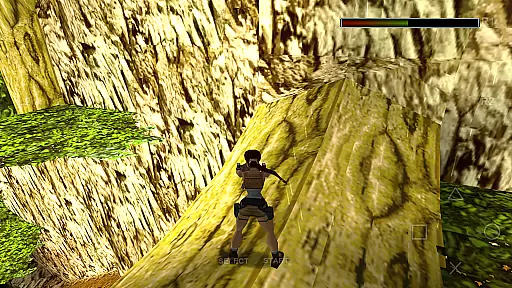
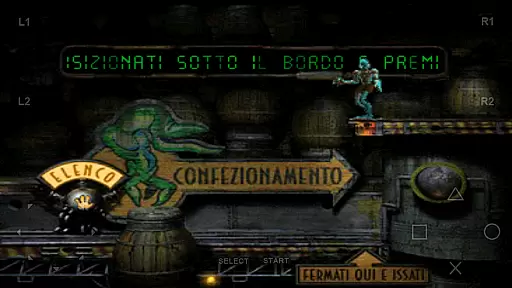
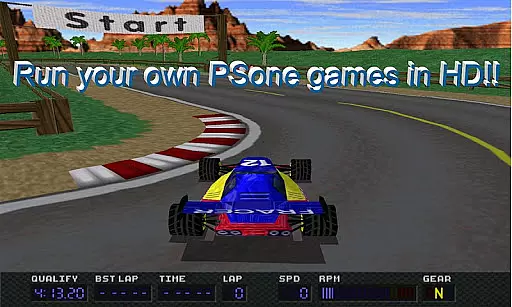

FPse for Android devices is a premier PlayStation 1 emulator that brings classic gaming to modern smartphones. This app stands out with its high compatibility and performance, running smoothly on devices from Android 2.3 to Android 8. The emulator leverages OpenGL to deliver enhanced graphics in high resolution, breathing new life into beloved games.
Users can enjoy an intuitive interface that automatically scans local storage for PSone games and displays their covers. With support for multiple file formats and gamepads, FPse offers versatile gaming options. Its exclusive features include experimental LAN multiplayer mode, automatic cheat code search, and native NFS protocol support, making it a comprehensive solution for retro gaming enthusiasts.
FPse boasts an array of advanced features designed to enhance the gaming experience. It supports various input methods including touchscreen controls, G-Sensor, and external controllers like IcontrolPAD and Zeemote. The app also provides up to 10 customizable on-screen gamepads and emulates analog sticks and force feedback for immersive gameplay.
One of the standout capabilities is the multi-player mode, allowing users to connect multiple Android devices for cooperative play. Additionally, FPse includes software rendering in high definition, texture dithering, and shaders to mimic the original console's visual effects. These features ensure that gamers can enjoy their favorite titles with improved graphics and performance on their mobile devices.
FPse for Android offers a streamlined and intuitive experience for playing PlayStation 1 games on your smartphone. The emulator is designed to be user-friendly, ensuring that even those new to emulation can easily navigate its features.
The app automatically scans local storage for PSone games, displaying their covers and enabling quick access. This eliminates the hassle of manually searching for game files, making it simple to jump into gameplay.
With support for various file formats like .iso, .bin, and .cue, FPse ensures broad compatibility with minimal setup. Users can enjoy their favorite games without worrying about complex configurations.
Additionally, savestates allow players to save progress at any point, enhancing convenience. This feature simplifies gameplay sessions, especially for casual gamers who prefer flexibility in their gaming experience.
One of FPse's standout features is its adaptability to different session lengths, accommodating both short bursts of play and extended gaming marathons. This flexibility makes it ideal for users with varying schedules and preferences.
The emulator runs efficiently on devices ranging from Android 2.3 to Android 8, ensuring smooth performance regardless of session duration. Even on lower-end devices, FPse maintains stability, allowing for uninterrupted gameplay.
FPse also includes an autofire feature with adjustable frequencies, catering to different play styles and durations. Whether you're squeezing in a quick session or settling in for a long adventure, this feature enhances comfort and control.
Furthermore, the ability to compress games individually helps manage storage space effectively, supporting longer installments without cluttering the device. This ensures that session length remains flexible without compromising device performance.
High compatibility
Advanced graphics
Multiplayer support
Wide file format support
Automatic game scanning
Complex setup process
Requires powerful device
Occasional bugs
Limited VR support
Ads in free version

The SPY Corps needs your help! Spy Fox need’s you!
 4.10
4.10
Style your hair with Hair salon, Spa Beauty salon - Make up doll game
4.50
In My Favorites, a fun game where you choose what are your favorites.
4.2
Classic brain train minigames
4.0
Help Austin renovate his home and solve exciting match-3 puzzles along the way!
4.70
Offline Games - Enjoy Endless Fun Anywhere, Anytime!
4.20
Instant town building toy
4.50
The award winning game where everything burns.
4.70
Miraculous Ladybug is here to dance and play with the talking cat Angela.
4.30
Enjoy satisfying mini games with relaxing sounds designed to ease your stress.
4.80
Be the Coin Master: attack friends & collect coins in this fun adventure game!
4.80
Zen Koi Pro features single player offline play, and shiny rare koi!
4.70
Defeat your enemies by creating a larger army of bullets!
4.40
Talking Tom and pets bring adventure to this fun virtual cat game.
4.30
Go exploring with Duggee!
4.20
Explore dungeons simple action RPG game Dungeons & Pixel Hero!
4.00
11 classic games featuring Freddi Fish, Pajama Sam, Putt-Putt, and Spy Fox.
3.80
Manage car traffic by building roads and cities in this highway simulator game
3.70
Spice up your next game night with a threesome of hilarious adult party games!
4.5


User Reviews