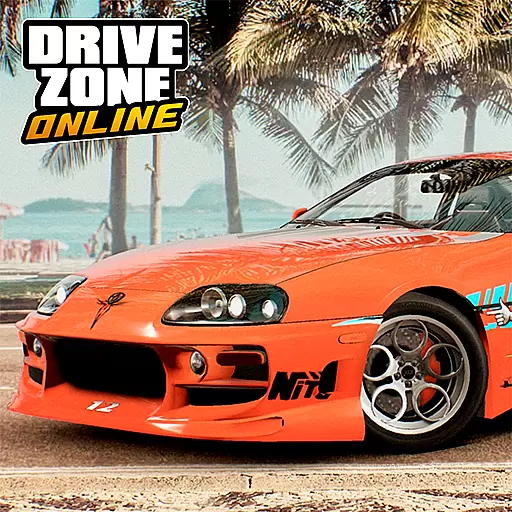
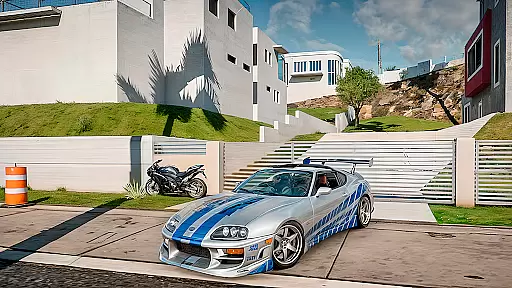
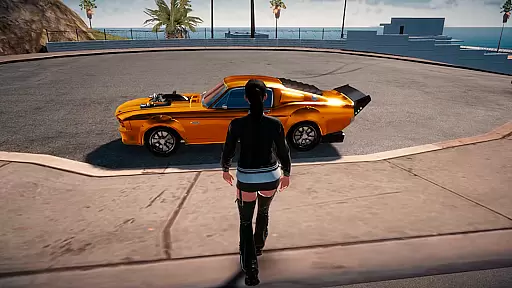
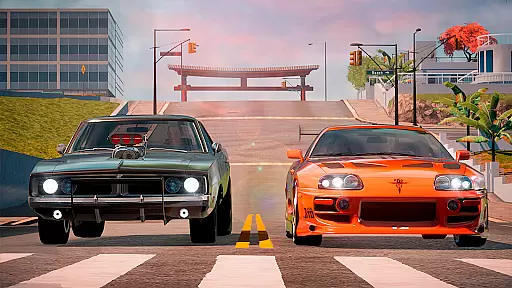
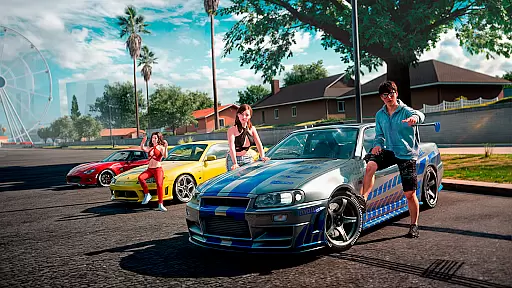
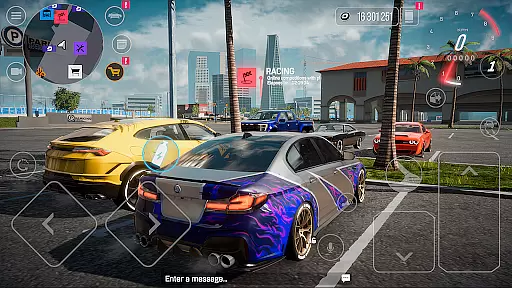

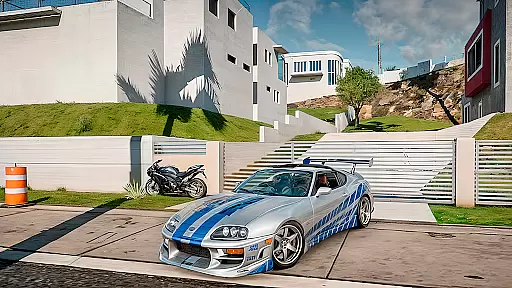
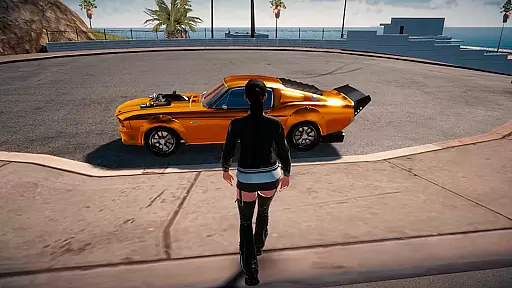
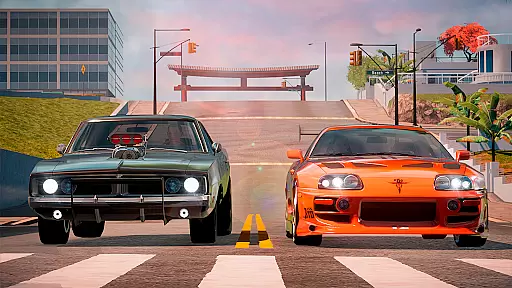
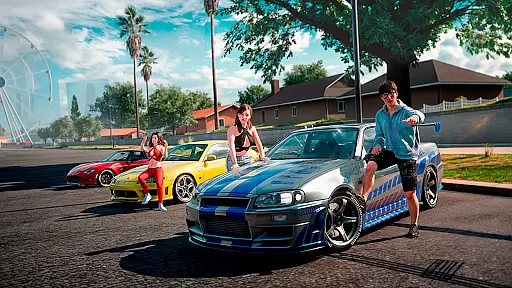
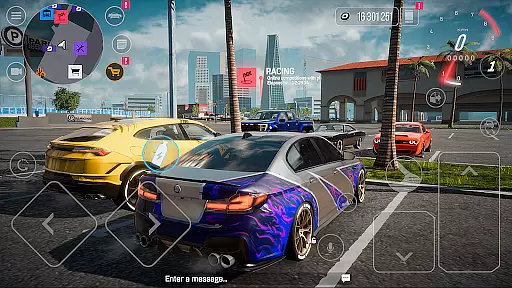

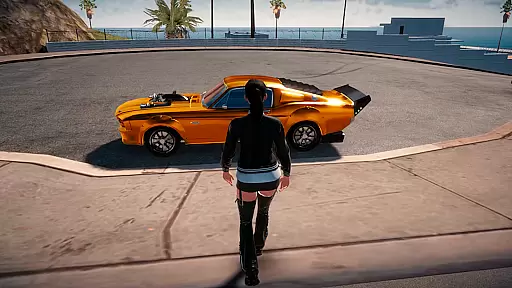
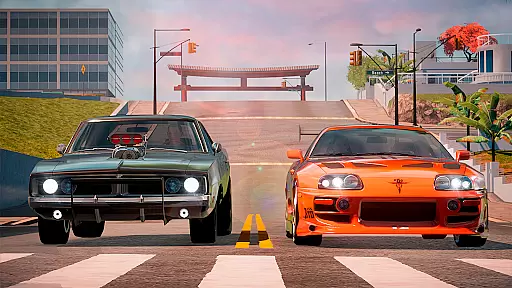
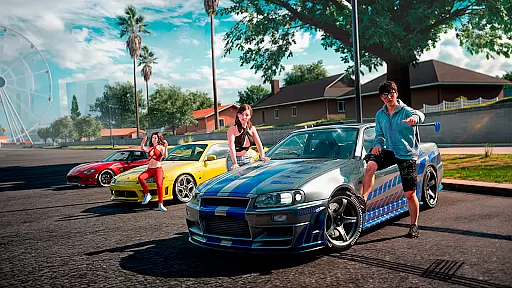
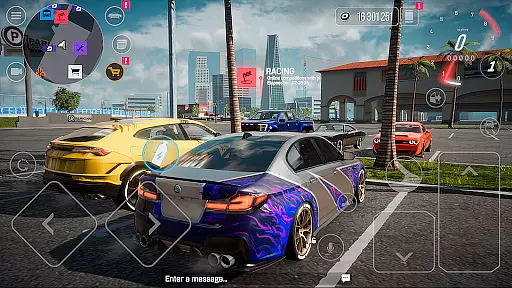
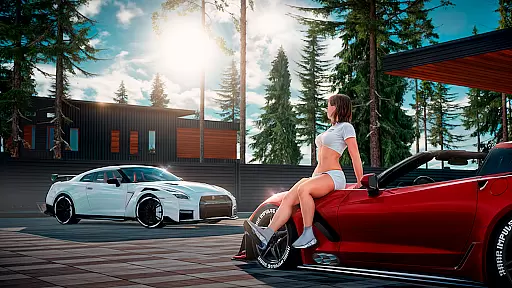
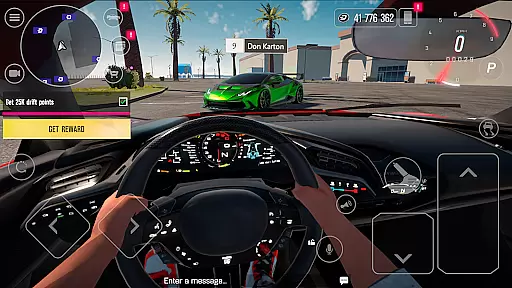

Drive Zone: Car Simulator Game is an immersive open-world racing simulator that offers players the thrill of street racing, drifting, and drag racing. Set in a massive 20x20km resort coastline environment, the game features diverse locations including cities, deserts, highways, and ports. With up to 32 players online simultaneously, you can explore hundreds of kilometers of roads while discovering hidden bonuses throughout the map.
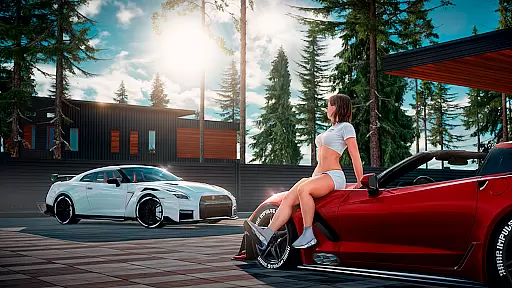
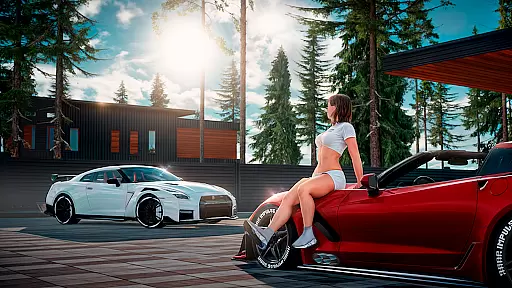
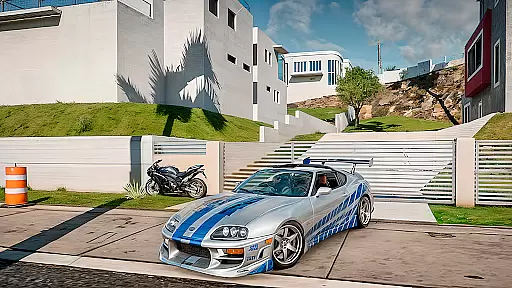
The game boasts an impressive selection of over 50 realistically modeled cars, ranging from vintage classics to modern hypercars. Each vehicle comes with detailed interiors, fully functional doors, hoods, and trunks, and can be customized with 30+ body kits. The free vinyl editor allows for unlimited personalization options, while suspension and camber adjustments provide enhanced handling. Whether competing in various race modes or simply cruising with friends, Drive Zone delivers an unparalleled mobile racing experience.
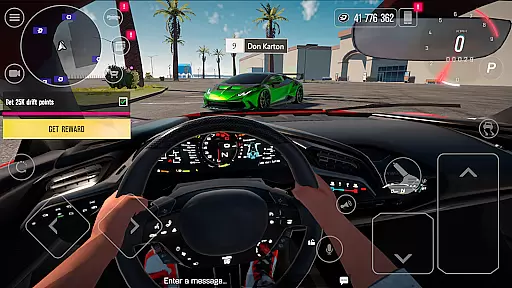
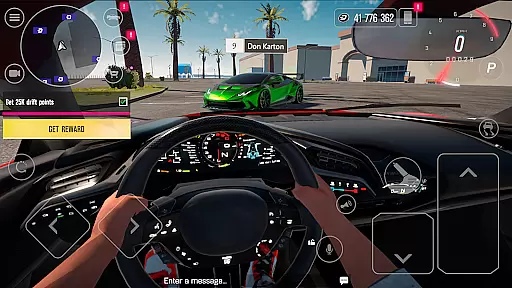
Drive Zone stands out with its advanced graphics engine that creates stunning visuals optimized for mobile devices. The realistic car models feature meticulously designed interiors, enabling an impressive first-person driving experience. Performance optimization ensures smooth gameplay even on mid-range devices, while customizable graphics settings let players tailor the experience to their device's capabilities.
The game's diverse gameplay includes multiple modes such as DRIFT, CAR RACE, and SKILL TEST challenges. Players can earn in-game currency through various activities beyond traditional racing, including performing stunts and selling custom skins in the player-driven market. The comprehensive driving school teaches proper techniques while offering test drives and rewards. With hundreds of quests, achievements, and regular content updates based on community feedback, Drive Zone maintains long-term engagement through continuous development and improvement.
Realistic handling physics are essential for any racing game, as they provide the foundation for an immersive driving experience. In Drive Zone: Car Simulator Game, the developers have focused on creating a realistic driving environment that captures the nuances of car control. The game offers detailed physics modeling that takes into account factors such as weight distribution, tire grip, and suspension dynamics.
The game's physics engine allows players to experience different driving conditions and vehicle behaviors. Whether it's the thrill of high-speed cornering or mastering the art of drifting, the game ensures that each car responds authentically to player inputs. This level of realism is achieved through careful calibration of parameters like camber adjustments and engine performance tuning.
Players benefit from this attention to detail as it enhances both the gameplay and the overall enjoyment. With every turn and acceleration, users can feel the difference that realistic handling physics make. This feature not only makes the game more challenging but also more rewarding, as mastering these elements leads to greater success in various racing modes.
Precision in controls and minimal input latency are crucial for a racing game to ensure that players can execute their maneuvers accurately and responsively. Drive Zone: Car Simulator Game excels in delivering a seamless control experience, allowing drivers to perform complex actions with confidence. The game has been optimized to reduce input lag, ensuring that every steering, braking, and acceleration command is registered instantly.
The developers have implemented advanced control schemes that cater to different play styles and preferences. Players can customize their control settings, choosing between touch-based controls or external controllers for a more personalized experience. This flexibility extends to the adjustment of sensitivity levels, enabling users to fine-tune how their inputs translate into in-game actions.
This focus on control precision significantly enhances the user experience by providing a direct and responsive connection between the player and the virtual vehicle. Gamers can expect a smooth and intuitive driving experience, where their skills are accurately reflected in the game. As a result, competitive modes like drift racing and drag racing become even more engaging, offering a true test of reflexes and technique.
Stunning graphics quality
Vast open-world environment
Extensive car customization
Multiple gameplay modes
Active community involvement
High system requirements
Complex controls for beginners
Long download size
In-app purchases needed
Occasional bugs
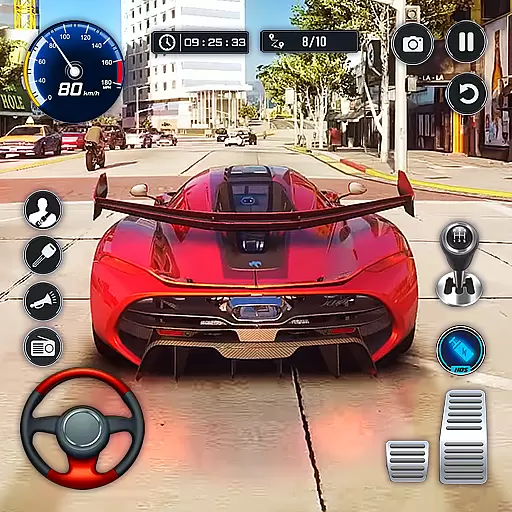
Need for speed to burn the asphalt and compete with rider across the world!
 4.60
4.60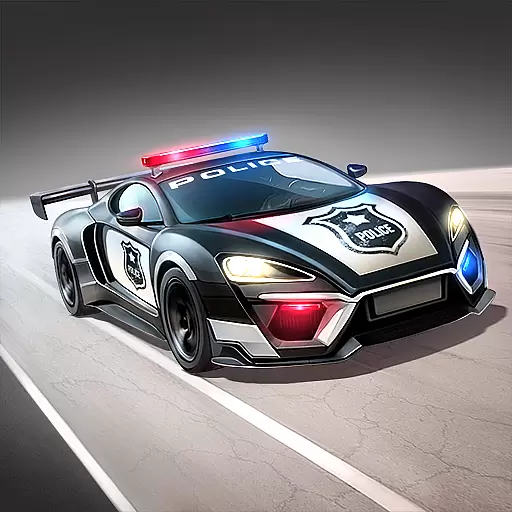
Drift, slide and step on the gas! Dynamic racing with police chase and fast cars
4.60
Drive and crash trucks in arenas, test zones and intercity routes.
4.5
Collect & stack coffee cups and upgrade them to earn extra few bucks!
4.50
Experience high-speed racing. Customize car, conquer tracks, and become champion
3.60
Retro Rally Racing
4.60
Become a legend in the irresistible successor to GRID Autosport.
4.60
Break the rules and take full-contact racing to the limit with Wreckfest!
3.80
Evolve through the Timelines!
3.90
Race, Drive and Tune Real Cars in the Ultimate Street, Drag & Drift Simulator!
4.80
Console quality rally racing
4.70
One second to go, engine at the limiter, judges ready — this is real drifting!
4.60
Drift, jump, and destroy cars! Race faster than all the cars in the 3D arena!
4.60
Drive off hill in the offroad car racing game with advanced crash physics!
4.30
Build, customize and expand your garage in an incredible world of cars!
4.10
The best rally racing game on mobile!
3.80
Ultimate 4x4 OffRoad Truck Driving Simulator Game with Real Physics & Suspension
3.60
Race in the golden era of rally.
3.30
Drive and destruction enemies cars
4.2


User Reviews