
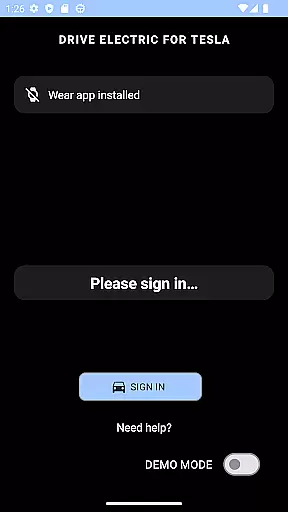
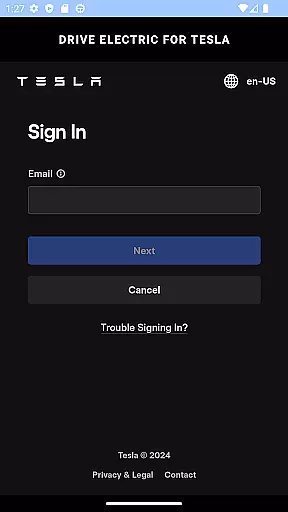
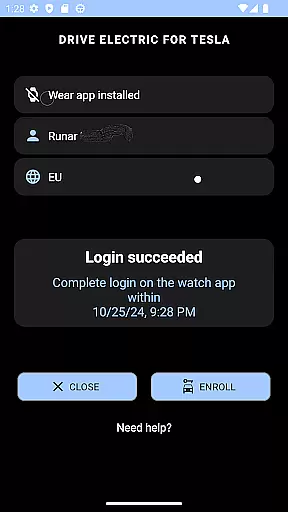
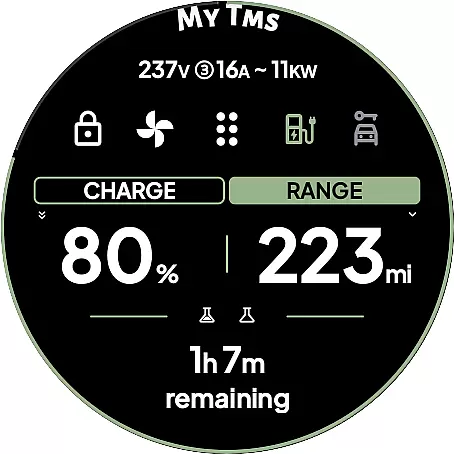
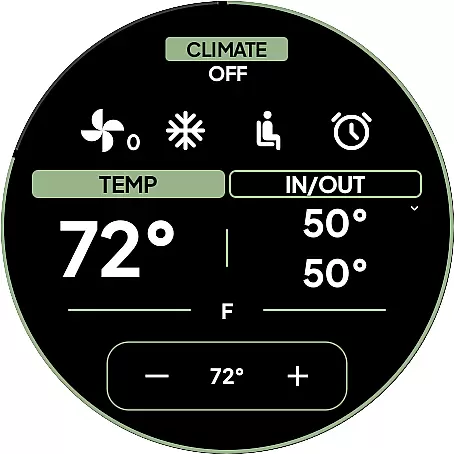
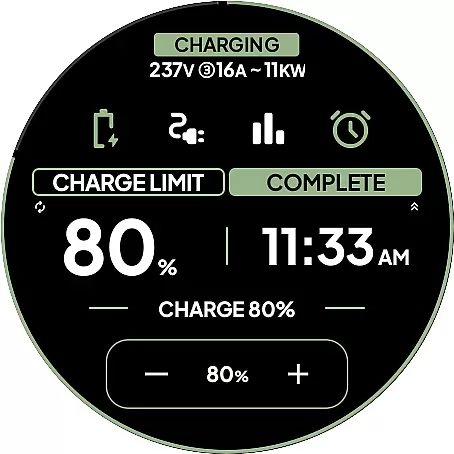
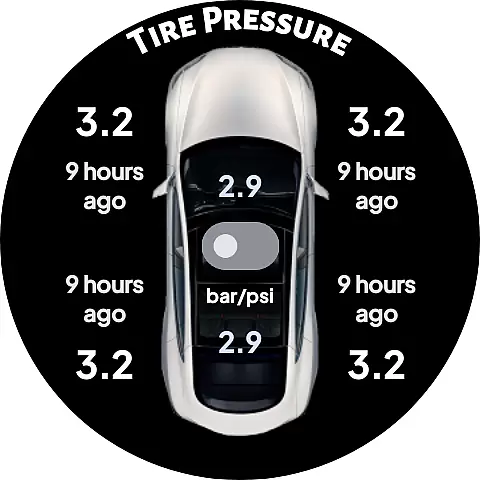
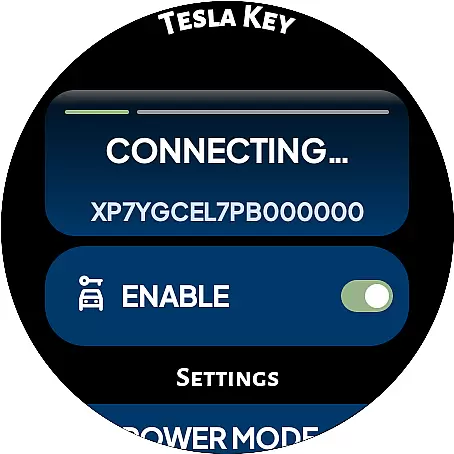
DRIVE Electric for Tesla is a cutting-edge Wear OS smartwatch application that transforms your watch into a convenient vehicle key. By integrating NFC, Bluetooth, and optional internet access, the app allows users to interact with their Tesla without needing their phone nearby. This functionality is particularly beneficial for Model 3/Y and 2021 S/X owners who want seamless access to their vehicles.
The app offers both proximity-based features like unlocking and driving via Bluetooth or NFC, as well as remote commands through an optional subscription service. With its intuitive design, DRIVE Electric ensures quick access to essential vehicle functions while maintaining top-tier security protocols. Whether you're managing your car from a distance or tapping the B-pillar to unlock, this app provides a reliable solution for modern Tesla drivers.
DRIVE Electric for Tesla stands out with its innovative combination of connectivity options. The app supports NFC and Bluetooth access, enabling users to unlock and drive their vehicles simply by being near them. For added convenience, a premium subscription plan offers remote access to Tesla's Fleet API, allowing users to send commands from anywhere.
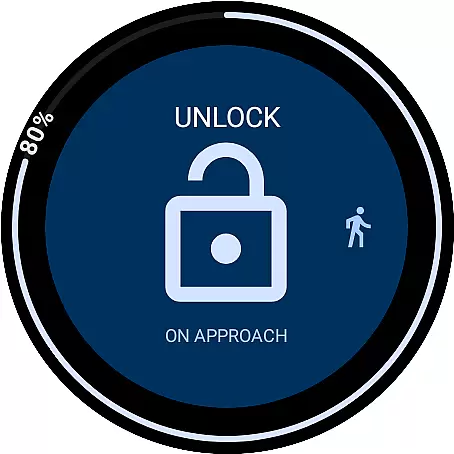
One of the app's most notable features is its On Approach functionality, which lets users delay commands until they reach their vehicle—perfect for situations like carrying groceries. Additionally, the app includes six customizable tiles for instant access to frequently used commands, as well as a battery-level complication for real-time updates. These tools ensure that users can personalize their experience while enjoying seamless integration with their Tesla's systems.
Security remains a priority, with optional PIN code protection and no third-party server involvement. All communication occurs directly between the watch and Tesla's servers or the vehicle itself. Furthermore, features like compass view and map view help locate parked cars, making DRIVE Electric an indispensable tool for enhancing the Tesla ownership experience.
DRIVE Electric for Tesla exemplifies comprehensive lifestyle category coverage by addressing the needs of Tesla owners who value convenience and modern technology. This app transforms a Wear OS smartwatch into a powerful tool for vehicle interaction, offering features like NFC and Bluetooth access, remote commands, and quick actions through tiles and complications.
The app supports essential functions such as unlocking, driving, and sending commands over Bluetooth Low Energy (BLE), alongside unique capabilities like the 'On Approach' feature. These functionalities cater to various real-life scenarios, making daily vehicle use seamless and efficient. Whether you're carrying groceries or need to locate your parked car, the app provides practical solutions that enhance the overall ownership experience.
By integrating advanced technologies with user-centric design, DRIVE Electric for Tesla ensures broad lifestyle compatibility. From Model 3/Y to newer S/X vehicles, it adapts to different Tesla models while maintaining high security standards through optional PIN code access. This extensive coverage makes it an indispensable companion for modern Tesla drivers seeking to simplify their routines.
When evaluating content authenticity and expert credibility, DRIVE Electric for Tesla stands out due to its transparent approach and adherence to official protocols. The app strictly communicates directly with Tesla's servers or the vehicle itself using secure methods like NFC and BLE, ensuring no third-party interference or credential storage.
This commitment to authenticity is further reinforced by clear disclaimers regarding API access changes and subscription requirements. Users are informed about potential limitations, such as the upcoming Fleet API costs affecting remote access, allowing them to make educated decisions. Such transparency builds trust and underscores the developer's dedication to honest communication.
Additionally, the app leverages Wear OS's encrypted key manager for local token storage, enhancing security without compromising usability. By prioritizing user safety and data protection, DRIVE Electric for Tesla demonstrates expert-level credibility. These measures ensure that users can rely on the app for critical vehicle operations while feeling confident in its integrity and professionalism.
Fast and reliable access
No need to carry a phone
Secure NFC and BLE support
Customizable tiles for quick commands
Optional PIN code security
Premium features require subscription
Limited to compatible Tesla models
Dependent on Tesla API access
No Tizen OS support
Remote access may incur extra costs

Unique BIG BOLD TIME with amazing colors and customisations.
 3.70
3.70
Paranormal EVP, Ghost Box, Spirit box, ITC, Haunted, Spirit communication device
3.70
View over 160,000 line dance stepsheets from the CopperKnob website.
3.30
Spirit Communicator is a real paranormal ghost hunting app with many fun modes.
3.90
Smart & Healthy Living
4.60
Crochet made easy: step-by-step tutorials, beginner patterns & projects
4.60
Creativity and savings for kids, beginners and experts in arts and crafts
3.50
The cutest Autumn watchface featuring the adorable Mr. Squirrel
4.1
Your store’s deals, where you are.
4.80
Tap to the beat with interactive videos — warm up your reflexes & have fun
4.70
Make money, get paid cash rewards & gift cards for every survey. Earn today!
4.60
Vehicle ownership simplified. Get the myChevrolet® app today.
4.60
Earn money & gift cards when you take surveys, play games, scan receipts & more.
4.50
Earn points with every purchase with Moe Rewards.
4.20
Material You inspired colors with BIG and Bold looks for Wear OS watches.
4.20
BILT interactive 3D instructions help you get the job done right
3.50
An Eerie Musical Trigger Toy for Spirits to Play with!
3.50
LineLearner, the quick way to learn lines.
2.90
Bring the warm colors of fall directly to your wrist with Autumn Leaves!
4.1


User Reviews