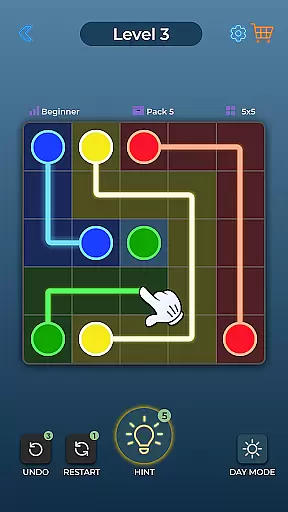
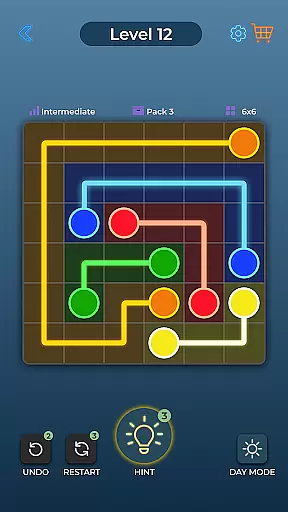
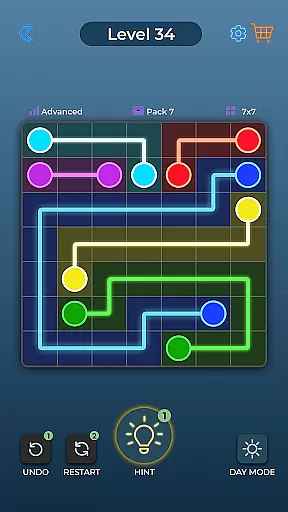

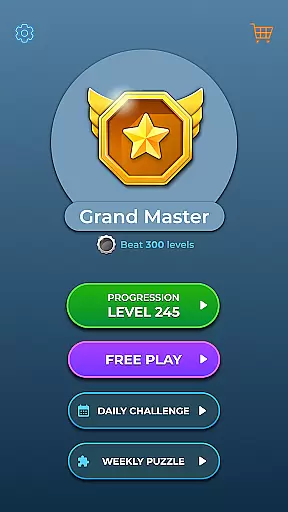
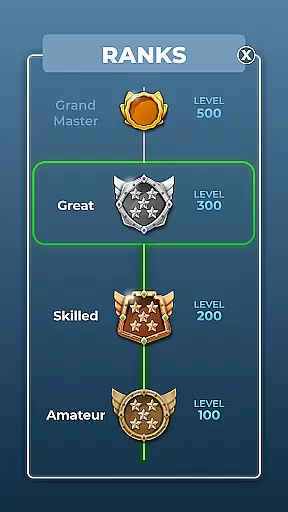

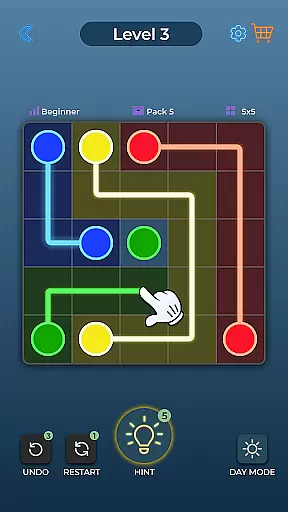
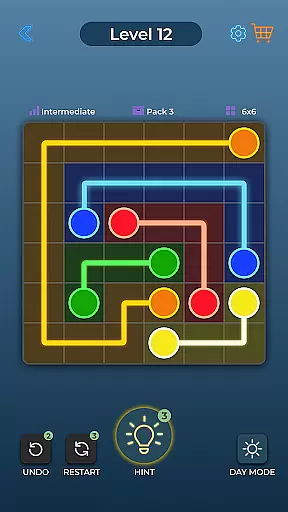
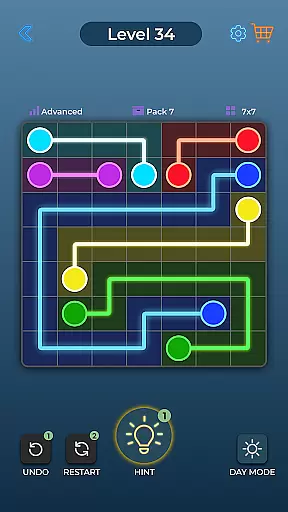


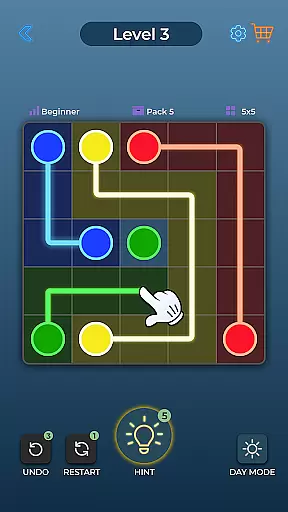
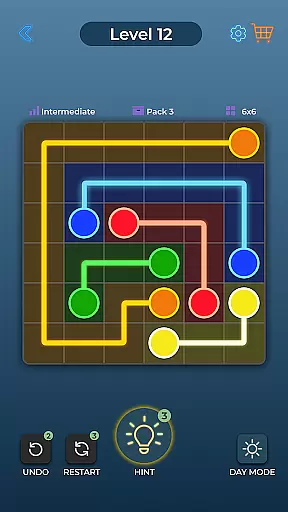
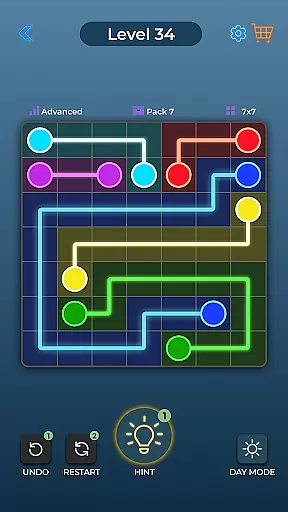


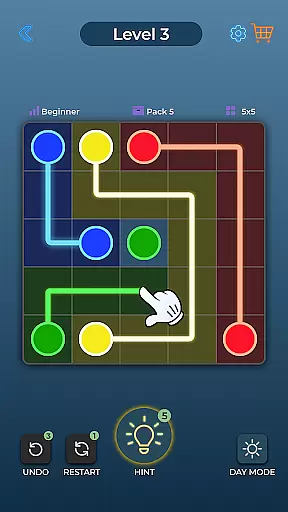
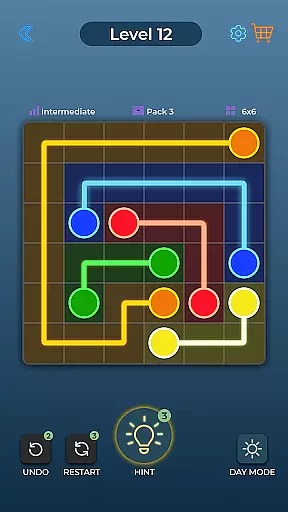
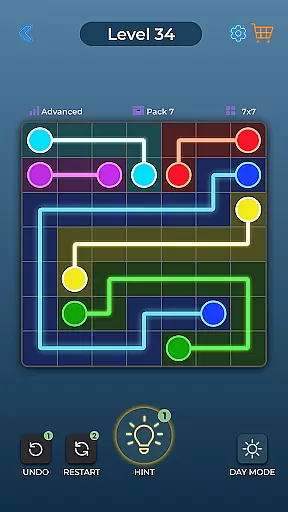

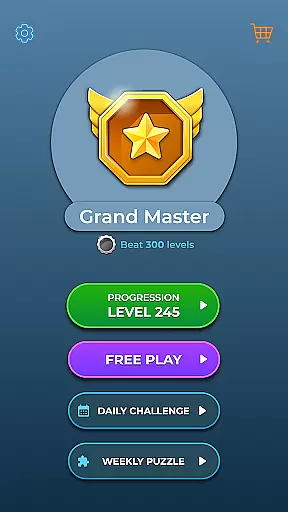

Dot Link is an engaging puzzle game that challenges players to connect matching color dots on a board without crossing pipes. With thousands of levels spread across five difficulty settings, it offers a progressive challenge suitable for all skill levels. The game's minimalistic design and relaxing music create an enjoyable experience while its special features like Day and Night Mode, Undo, Restart, and Hint functions ensure accessibility and ease of play.
This brain-teasing app is perfect for those looking to sharpen their mind or simply enjoy a fun and satisfying pastime. Its colorful aesthetics and straightforward mechanics make Dot Link appealing to both casual gamers and puzzle enthusiasts alike. Available for free on Android devices, it provides endless entertainment and mental exercise.
Dot Link stands out with its variety of features designed to enhance gameplay. Players can choose from five difficulty levels ranging from Beginner to Insane, catering to different preferences and skills. The inclusion of relaxing music and sound effects adds to the overall immersive experience, making each session more enjoyable.
The game also offers practical functionalities such as Day and Night Mode, Color Blind settings, Undo, Restart, and Hint features which assist players in overcoming challenging puzzles. Additionally, daily puzzles provide extra motivation for regular play. Supporting multiple languages and being compatible with both phones and tablets ensures that Dot Link is accessible to a broad audience worldwide.
Dot Link - Connect the Dots offers a consistent and logical puzzle-solving experience that challenges players to think critically. The game's core mechanic of connecting matching color dots without crossing pipes requires strategic planning and forethought.
The puzzles are designed with clear rules and objectives, ensuring that each level presents a fair and solvable challenge. As players progress through thousands of levels, they encounter increasingly complex boards that test their problem-solving skills while maintaining the game's core logic.
This consistency in puzzle design helps players develop pattern recognition and spatial reasoning abilities. The game's difficulty curve is carefully balanced, providing a smooth learning experience for newcomers while offering enough depth to keep experienced players engaged.
While adhering to established puzzle mechanics, Dot Link introduces creative twists that set it apart from other connect-the-dot games. The inclusion of five distinct difficulty levels, from Beginner to Insane, demonstrates the developers' commitment to innovation and player choice.
The game's unique features, such as Day and Night Mode, Color Blind settings, and Daily Puzzles, showcase its thoughtful design approach. These elements not only enhance accessibility but also add variety to the gameplay experience. The implementation of helpful tools like Undo, Restart, and Hint features demonstrates the developers' understanding of player needs.
With over 10,000 levels and support for multiple languages, Dot Link establishes itself as a comprehensive puzzle experience that combines familiar mechanics with distinctive innovations, making it stand out in the crowded puzzle game market.
Easy-to-play mechanics
Relaxing music and sound
Multiple difficulty levels
Accessible features like Undo and Hint
Free to download and play
Limited social interaction
No multiplayer mode
In-app purchases may be required
Ads can interrupt gameplay
Graphics might feel repetitive
Colorwood Sort Puzzle: Solve puzzle by sorting colorful wooden blocks!
 4.50
4.50
The 4th entry in the multi-award winning ‘The Room’ puzzle game series
4.90
Fun Puzzle & Board Game
4.70
Visit Brimwave Beach; merge, restore and design while you solve a fiery mystery.
4.60
Can you find all hidden objects? Relax, enjoy, and test your observation skills!
4.90
Make a house into a home in this zen puzzle game.
4.20
UNLEASH YOUR IMAGINATION & BE A GOD
4.70
A time-spanning journey
4.90
Enjoy sorting goods! Have fun with addictive match 3 games and 3D sort puzzle!
4.90
The unlimited version of Mindware's great collection of brain training games.
4.90
The occult puzzle game.
4.90
Can you spot all differences in 10k+ pics? Relax with Find the Difference games!
4.90
Merge & Discover!
4.80
Reveal a hidden image in a fun and addictive puzzles!
4.80
Find out hidden objects in this scavenger hunt game. Seek, find & unlock maps!
4.80
The definitive puzzle experience
4.80
Get your daily fix of Agent 47 with this elegant, strategy-based Hitman game.
4.60
a whimsical adventure of pocket antics at the intersection of golf and pool
4.10
Discover the funniest multiplayer physics puzzle platformer!
3.70


User Reviews