
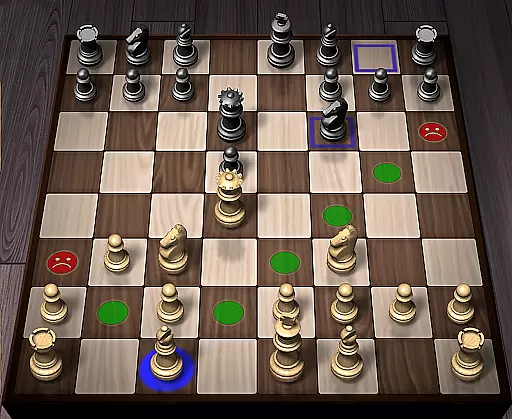
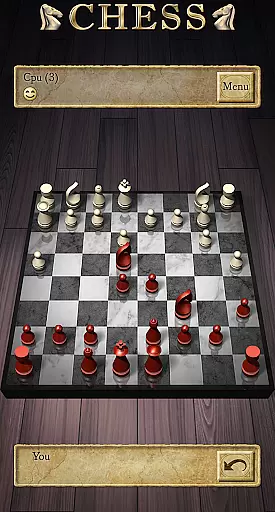
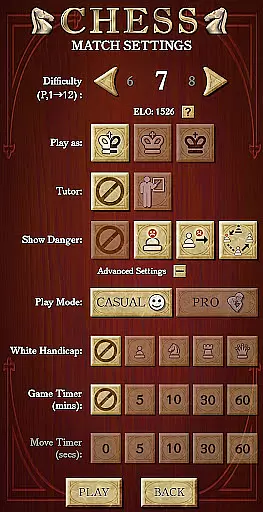
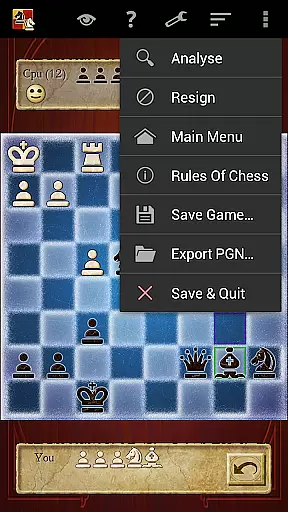

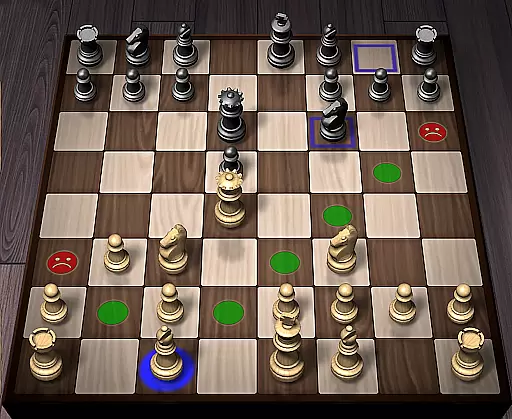
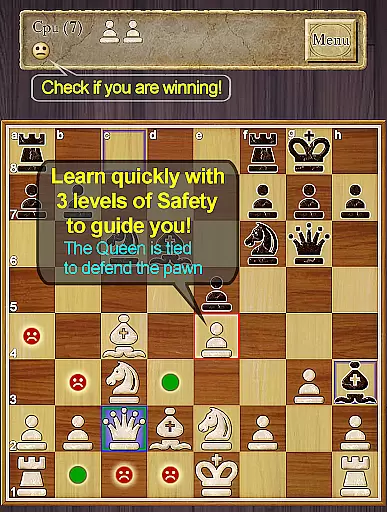
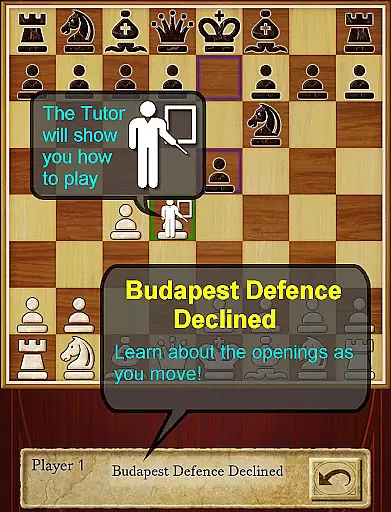
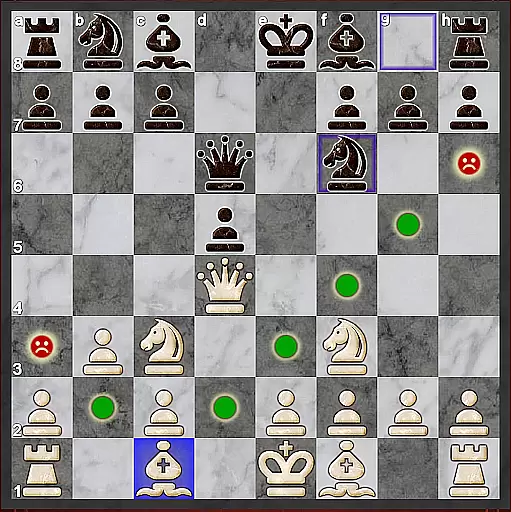
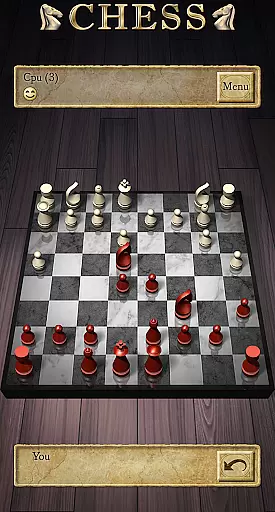

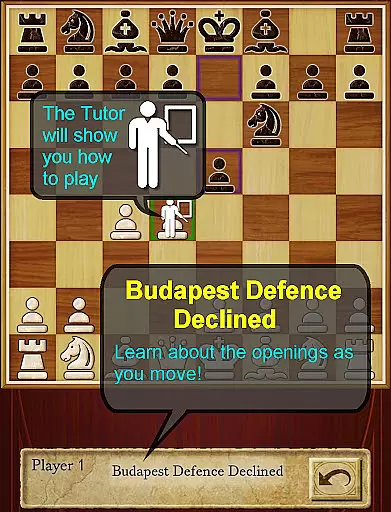
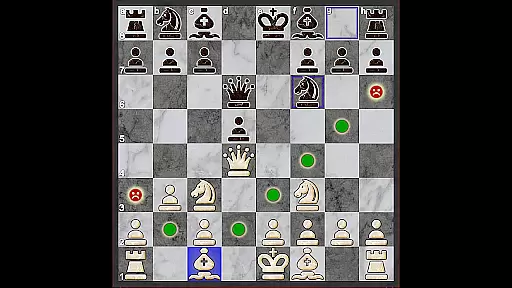
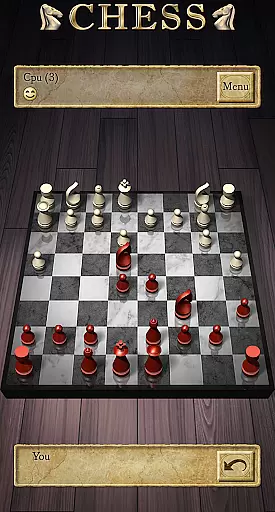
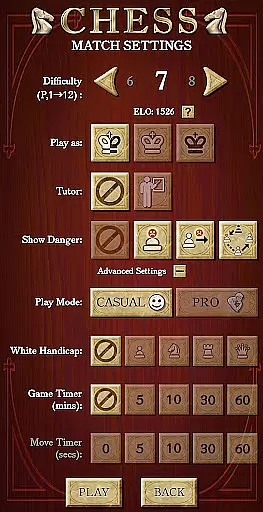
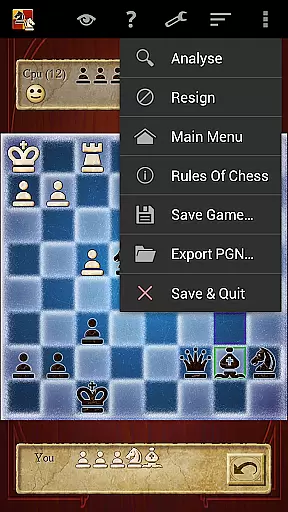

Chess Pro by AI Factory is a premier chess application designed for Android users who want to learn and master the game of chess. This app stands out as a top choice among hundreds of chess applications, thanks to its sophisticated teaching tools and strategic gameplay options. The app caters to players of all skill levels, from beginners to advanced players, offering a comprehensive learning experience.
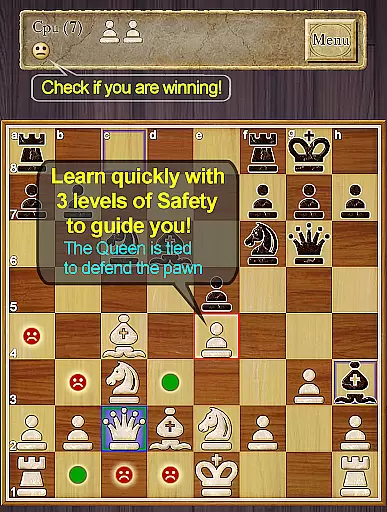
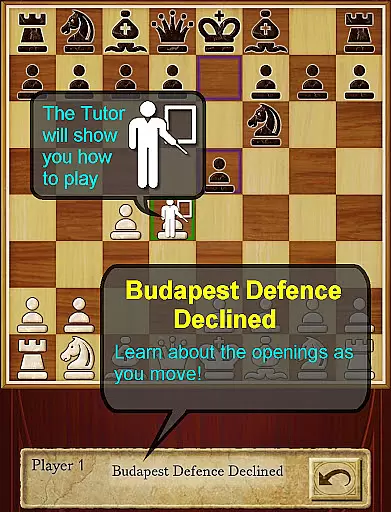
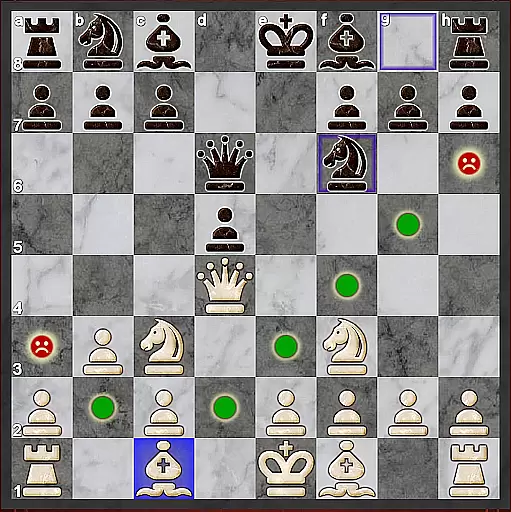
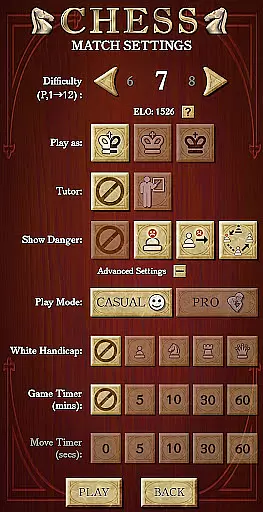
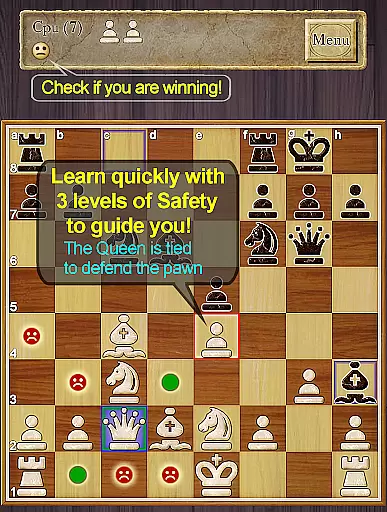
One of the key highlights of Chess Pro is its first-class tutor system, which helps users develop their chess strategies and improve their skills effectively. With 12 play levels ranging from Novice to Master, the app uses intelligent weakening for lower levels, making it ideal for newcomers. Additionally, features like the enhanced safety for pins and ties, a Smiley indicator showing who's winning, and the display of chess opening lines enrich the user experience and provide valuable insights into the game.
Whether you're looking to learn chess basics or aiming to refine your strategies, Chess Pro offers an engaging platform that adapts to your needs. Its blend of educational content, strategic gameplay, and interactive features makes it a must-have for anyone interested in chess.
Chess Pro boasts an array of features that enhance the learning and playing experience. One notable feature is the optional enhanced safety for pins and ties, which provides additional guidance during gameplay. The app also includes a comprehensive indexed help system, allowing users to learn chess effectively using the app's resources.
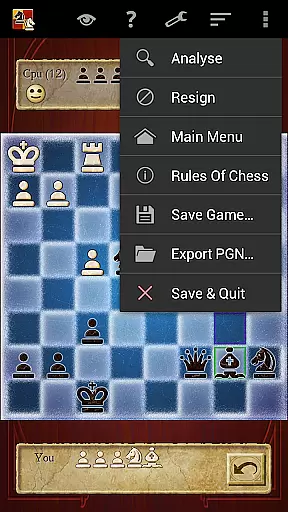
Another standout feature is the Chess Tutor, which recommends moves and encourages users to think strategically, helping them avoid simple mistakes. For those seeking deeper analysis, the Hint and Analyze Move options offer complete recommendations and detailed evaluations of potential moves. Furthermore, the 'Show CPU Thinking' option at level 3+ gives users insight into the AI's decision-making process.
Chess Pro supports both casual and pro modes, online play via Google Play Games, and offers achievements, leaderboards, ELO ratings, and review game mode. Users can enjoy customizable 2D and 3D boards, various piece sets, and utilize the Treebeard Chess engine known for its human-like style. These features collectively create an immersive and educational chess environment.
Chess Pro by AI Factory ensures the most authentic and flexible implementation of chess rules, making it a reliable tool for both beginners and advanced players. The app strictly adheres to official chess regulations while offering optional rule variations that enhance learning and gameplay.
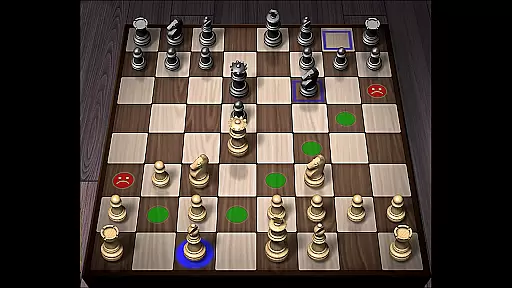
The inclusion of features such as indicating unsafe moves and enhanced safety notifications for pins and ties allows users to understand the consequences of their actions on the board. This not only teaches proper rule adherence but also helps players avoid common strategic pitfalls.
With 12 difficulty levels ranging from Novice to Master, the app provides an adjustable learning curve. Each level is designed with intelligent weakening for lower levels, ensuring that beginners can learn without being overwhelmed, while advanced players can be challenged appropriately.
Additionally, the app offers Casual and Pro modes, allowing users to choose between relaxed play or competitive settings. This dual-mode system caters to different playing styles and objectives, enhancing both enjoyment and skill development.
One of Chess Pro's standout features is its sophisticated AI opponent, which utilizes the Treebeard Chess engine. This engine is renowned for its human-like playing style, providing a more natural and engaging experience compared to other chess apps.
The AI's intelligence is evident in its ability to adapt to various playing levels. Lower levels are intentionally weakened to accommodate beginners, while higher levels present a formidable challenge even for experienced players. This dynamic range ensures that users continually improve their skills.
Furthermore, the 'Show CPU Thinking' option available at level 3 and above allows players to see the AIu2019s decision-making process. This feature demystifies the AI's strategies and helps users understand complex tactics, thereby improving their own gameplay.
Overall, the high-quality AI opponent in Chess Pro offers a balanced and educational experience, making it an excellent choice for anyone looking to master chess through realistic and varied challenges.
Comprehensive tutor system
Variety of play levels
Enhanced safety features
Engaging AI engine
Rich customization options
No offline multiplayer
Limited free content
Occasional bugs
High difficulty for beginners
Ads in free version

Retro pixel art mahjong solitaire with handcrafted boards and timeless gameplay
 4.0
4.0
by IRON Games
2.60
Play free Bingo with millions worldwide, enjoy nonstop fun and win great prizes!
4.80
Lead your mages to victory in this deck building game with a twist!
4.30
Discover the digital adaptation of Tokaido, the boardgame phenomenon!
4.30
Pop Color – A Relaxing Zen Color Game
4.90
Develop your Tribe in the Stone Age, a digital adaptation of classic board game.
4.20
A Digital Board Game of Woodland Warfare
4.90
The Offline Version of Sudoku classic puzzle game without advertisements.
4.80
The Ultimate Chess Experience. For Beginners and Grandmasters!
4.80
Plan, Build, Conserve
4.80
Domino Frenzy - Tile board game.
4.70
Joyful color by number & paint by number in this relaxing coloring game!
4.60
An atmospheric companion app to enhance the Escape the Dark Castle board game.
4.50
The famous Ravensburger board game from star designer Stefan Feld.
4.30
Roast coffee beans and compose a delicious cup of coffee.
3.80
Play a comic book come to life in this exciting adaptation of the hit card game!
3.70
The hit roguelike with all the fun of a dungeon crawl in a single deck of cards!
3.30
A brilliant tile placement game: build territories & French medieval landscapes
2.20


User Reviews