
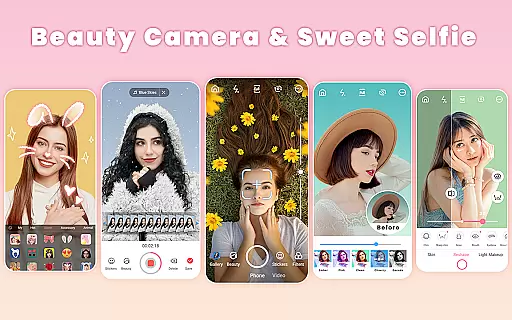
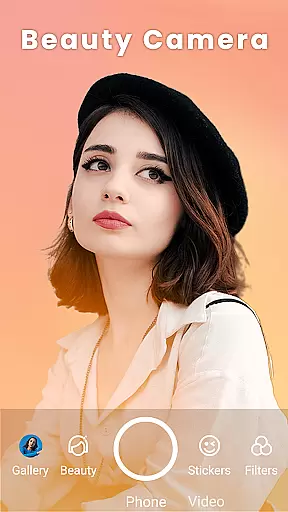
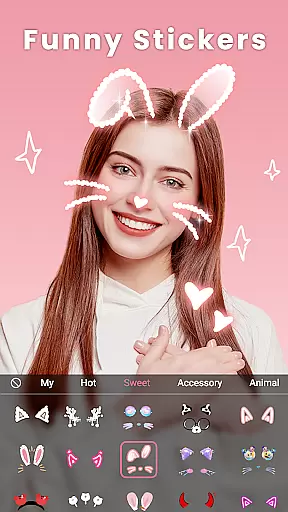
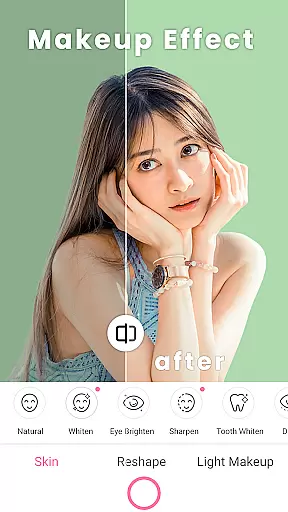

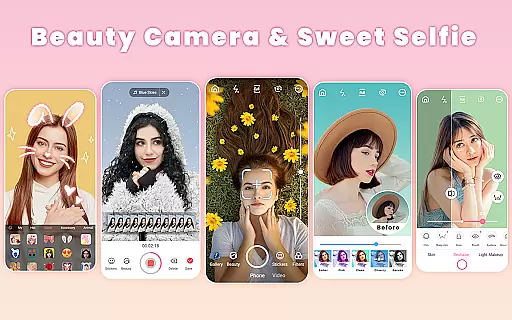
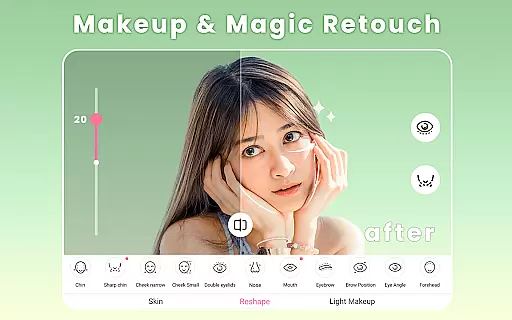
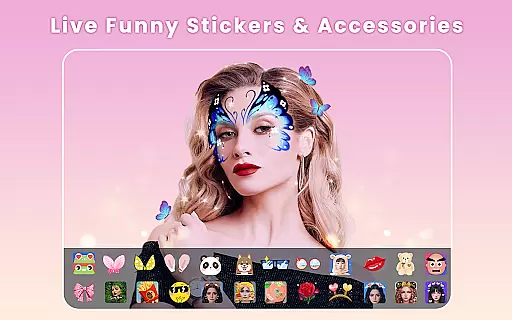
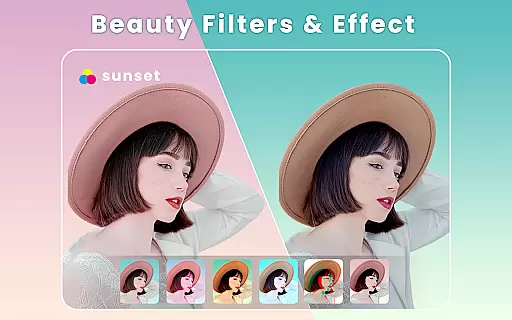
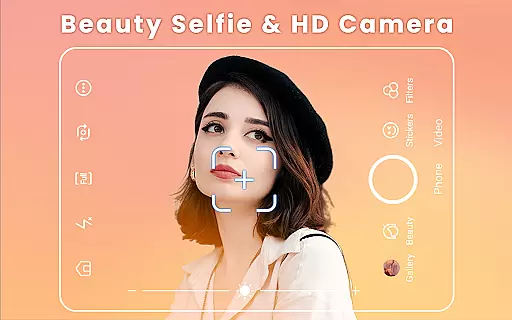
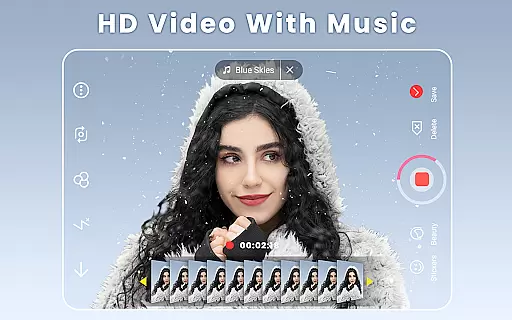
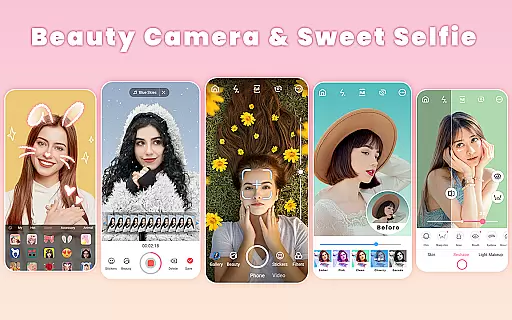
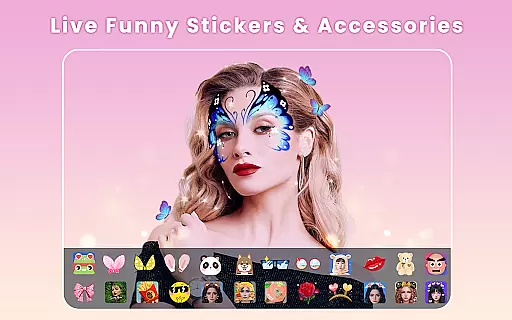
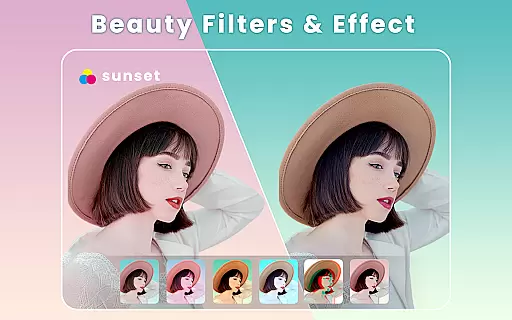
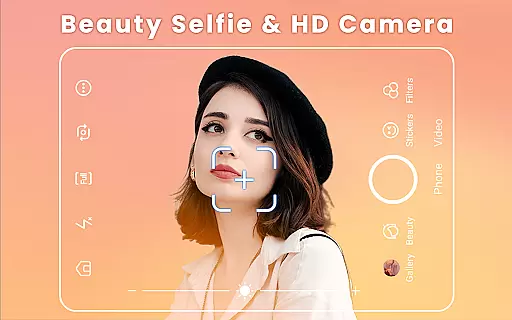
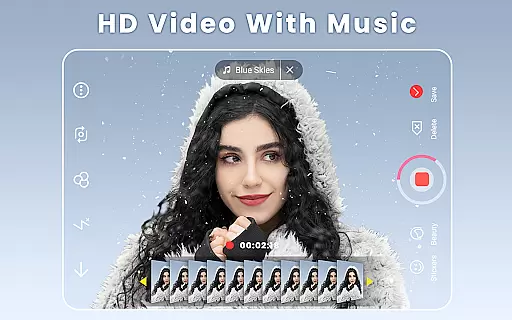
Beauty Camera is a comprehensive beauty and photo editing application designed to enhance your selfie experience. This powerful app offers an array of features including trendy art filters, funny face stickers, AR makeup effects, and advanced retouching tools for both face and body. With capabilities such as HD selfies and music video creation, it captures life's precious moments effortlessly.
The app stands out with its signature auto-beautification tool that removes acne and pimples, reshapes the face and body, smoothens skin, brightens eyes, and even whitens teeth. It also provides professional makeup options like eyeliner, blush, and contouring. Whether you're looking to create stunning Instagram stories or engaging TikTok videos, Beauty Camera ensures your content looks flawless across all social media platforms.
Ideal for users who want to elevate their photography game without extensive editing knowledge, this app brings professional-quality enhancements to every photo and video you take. Its intuitive interface makes it easy to use while delivering high-quality results that can compete with top beauty products in the market.
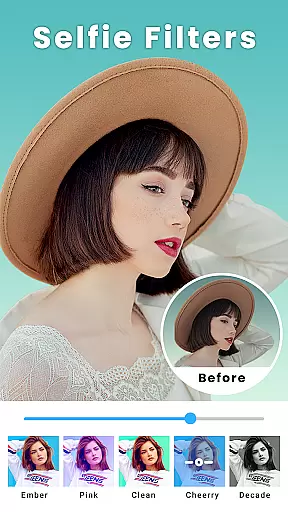
Beauty Camera boasts an impressive set of features tailored to meet diverse user needs. One standout feature is the one-tap beautify option, which allows users to touch up their photos instantly with just a single tap. Additionally, there are over 300 themed filters offering various gorgeous effects and styles, ensuring there's something for everyone.
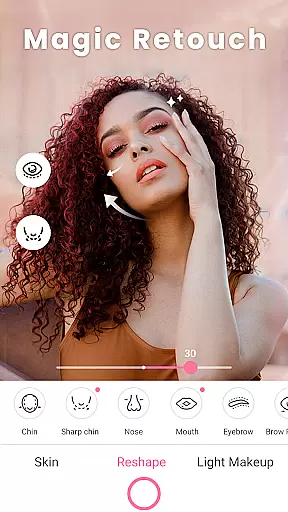
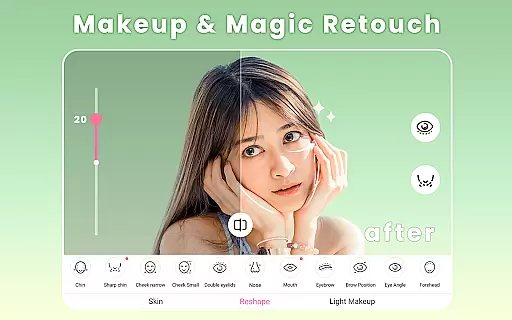
The app includes robust face retouching capabilities such as slimming and reshaping cheekbones, chin, jawline, and forehead adjustments. Eye makeup tools help remove red-eye, brighten eyes, edit eyebrows, and apply eyelashes. Body reshaping functions let you tune arms, breasts, waist, and hips for an ideal silhouette. These detailed customization options provide unparalleled control over your final image.
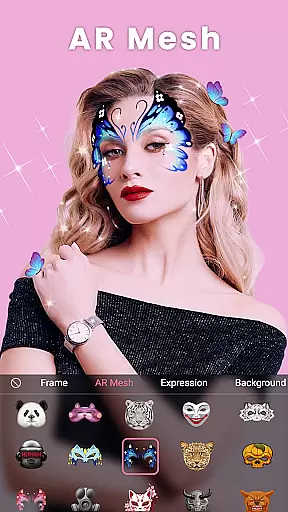
Beyond static images, Beauty Camera supports dynamic content creation through its music video maker and duet video functionalities. Users can add text, AR stickers, and filters to their creations, making them stand out on social media platforms like Instagram, Facebook, Snapchat, Twitter, YouTube, and TikTok. The collage maker further enhances creativity by allowing users to combine multiple photos into stunning collages using preset templates and layouts.
Beauty Camera offers an extensive product database that caters to a wide array of beauty needs. The app includes a vast selection of virtual makeup products, allowing users to experiment with different looks without the need for physical items. This comprehensive database covers everything from basic skin retouching to detailed makeup applications, such as lipstick, blush, and contouring.
The level of detail provided in the Beauty Camera's product database ensures that users can achieve realistic and precise results. Each virtual product is crafted to mimic real-world cosmetics, offering options that vary in color, texture, and finish. This attention to detail helps users create looks that are not only diverse but also true to life, enhancing both photos and videos.
Moreover, the app's database is regularly updated with new products and seasonal collections, keeping up with the latest beauty trends. Users can explore and apply these trendy options to stay ahead in their beauty game. With this continuous update cycle, Beauty Camera ensures that its users always have access to fresh and relevant beauty choices.
Ultimately, the depth of the product database in Beauty Camera empowers users to express their creativity and personalize their beauty experiences. Whether it's trying out bold new looks or perfecting the everyday natural appearance, the app provides all the necessary tools to make every photo and video stunning.
Personalization precision in Beauty Camera allows users to tailor their beauty enhancements with meticulous accuracy. The app leverages advanced algorithms to analyze facial features and apply adjustments that look natural and seamless. This personalized approach ensures that each user's unique attributes are highlighted, providing a bespoke beauty experience.
One of the standout features of Beauty Camera is its ability to offer precise control over various aspects of facial enhancement. Users can adjust specific elements such as eye brightness, skin smoothing, teeth whitening, and face reshaping with fine-tuned sliders. This granular control enables users to achieve their desired look while maintaining authenticity and personal style.
In addition to facial adjustments, Beauty Camera also excels in personalized makeup application. The app uses smart recognition technology to apply makeup effects that fit perfectly with the user's facial structure. From eyeliner to lip color, each element is applied with care to ensure it complements the user's natural features, resulting in a polished yet genuine appearance.
By focusing on personalization precision, Beauty Camera sets itself apart as a tool that adapts to individual preferences and needs. Users can trust that their beauty enhancements will be both accurate and flattering, making every selfie and video a true representation of their best self.
User-friendly interface
Extensive filter options
Advanced retouching tools
Real-time beauty effects
Versatile content creation
Occasional ads
Premium feature costs
High storage usage
Learning curve for new users
Limited offline functionality

Professional HD Camera App: Capture Bright HD Selfie & Record Stunning Moments
 4.40
4.40
Intelligent Beauty calculator tool! Face scale and face symmetry in one app!
3.80
Your future self face age old or young from camera selfie into beautify videos
4.2
Design your nails, manicure and pedicure with nail paint art and nail idea app
3.90
All-in-one solution for independent beauty pros to manage & grow their business
4.30
Try interesting trending filters allows you switch to a cute girl
4.70
The mirror app you were looking for, simple and easy to use. Try Mirror now.
4.60
Beauty Camera - Selfie Camera with sweet selfie, makeup, filter, sticker, editor
4.50
AI Stylist, Try On Millions Of Clothes In Any Brand & Style, AI Clothes Changer
4.70
Enhance your selfies with face beauty makeup tool and an easy background remover
4.70
For businesses, Booksy Biz allows you to manage your schedule & more on the go.
4.60
Winter picture editor: Christmas stickers, frames for photos & Christmas cards.
4.40
Beauty for every eye, lip & face. Earn rewards, play games, connect with others.
4.30
Shop Smarter, Dress Better, and Shine Brighter!
4.10
Make beautiful Hairstyles for girls with your own hands in little bit of time
4.00
Try On Style with AI: Virtual Dressing Room & Personal Fashion Stylist App
4.00
Change your hairstyle and color instantly with AI-powered virtual makeovers.
3.90
Create, design and dress up your own beautiful characters in cute fashion styles
3.50
Your Personal Stylist for Smart Shopping, Beauty & Styling Outfits.
4.3


User Reviews