
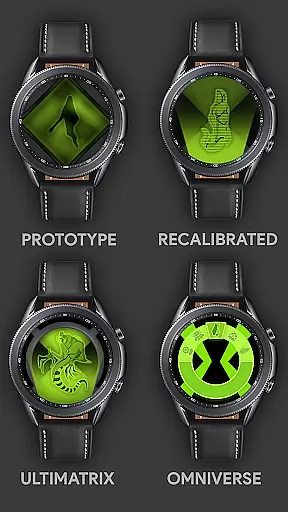
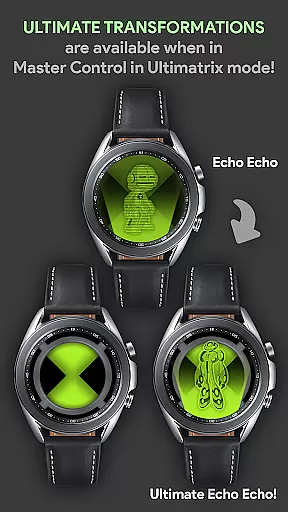
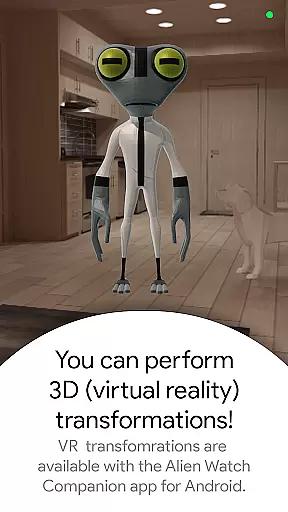

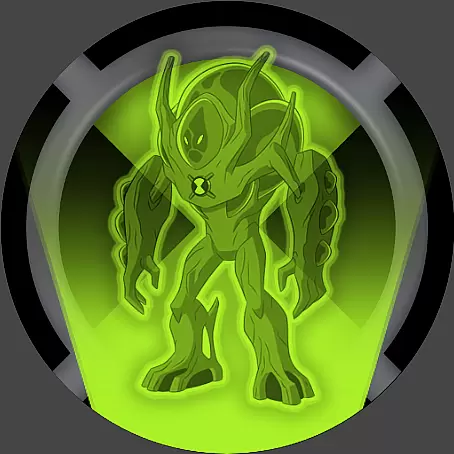



Alien Watch is a feature-rich simulation app that transforms your Wear OS smartwatch into the iconic Omnitrix device from Ben 10. With multiple modes like Prototype, Recalibrated, and Omniverse, users can access authentic alien transformation experiences directly on their wrist. The app offers unique features such as DNA Scan, Master Control, Self Destruction, Fusion Transformations, and even Voice Commands, providing an immersive experience for fans of the franchise.
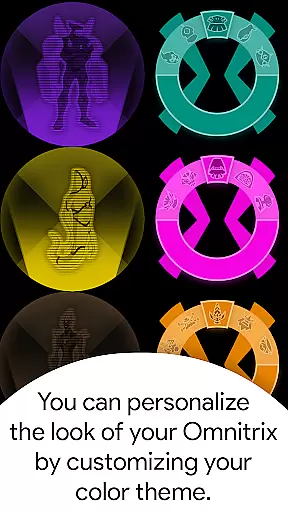
The app's core functionality lies in its ability to simulate various alien transformations through different modes. Users can unlock additional aliens by completing step goals or entering activation codes. Notable features include Virtual Reality 3D transformations, Ultimate Transformations, and a Randomizer function that changes aliens every 15 seconds. These capabilities are enhanced by customizable color options and specialized sound effects for each alien transformation.
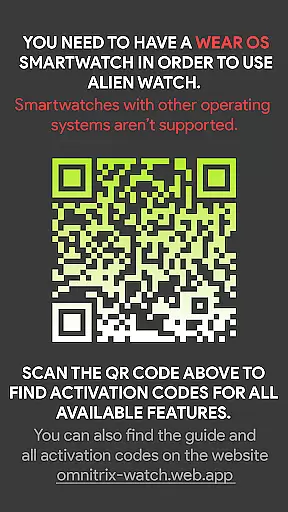
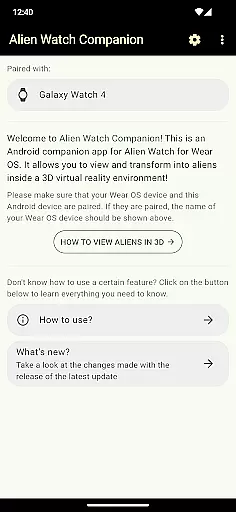
Designed specifically for Ben 10 enthusiasts, Alien Watch brings childhood memories to life through modern wearable technology. The app requires both Android and Wear OS versions for full functionality, making it ideal for users who want to maximize their smartwatch experience while engaging with their favorite cartoon universe.
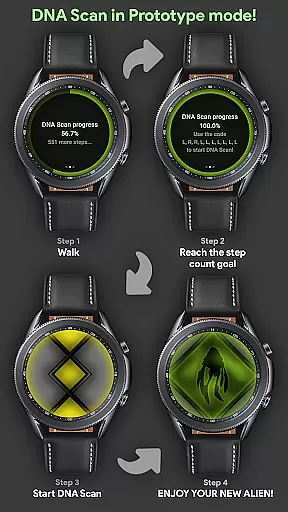
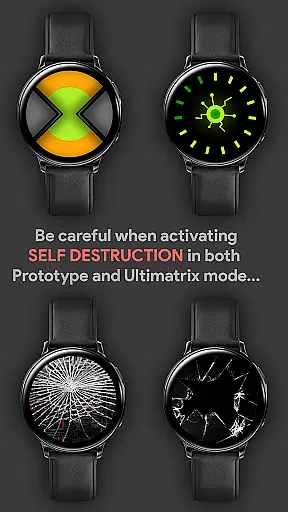
Alien Watch stands out with its comprehensive set of simulation features across three main modes. Prototype mode includes essential functions like DNA Scan, Master Control, and Self Destruction, alongside innovative features such as Virtual Reality 3D transformations and Fusion Transformations. The DNA Scan feature allows users to unlock additional aliens either through physical activity or activation codes, adding a gamification element to the experience.
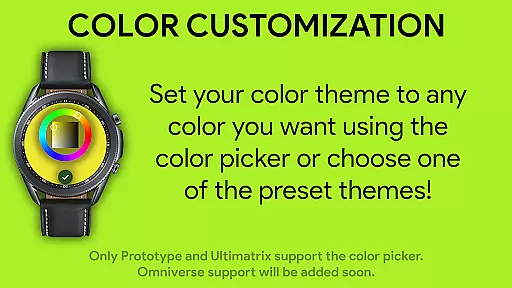
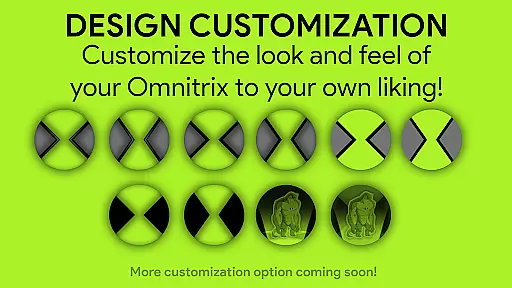
Recalibrated mode enhances the experience with Ultimatrix capabilities, including Ultimate Transformations and Azmuth Easter Eggs. This mode supports extensive customization options with 12 available colors, including Albedo mode. The inclusion of custom voice sound effects for most aliens creates an immersive atmosphere during transformations, where each alien vocally announces its name upon activation.
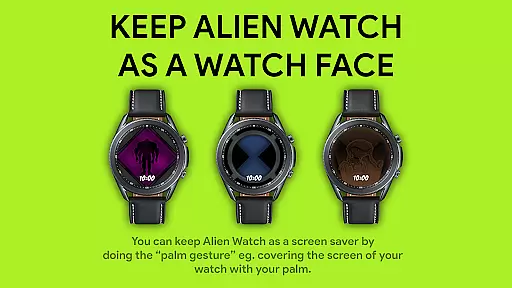
Omniverse mode introduces dynamic elements like the Randomizer function, which cycles through aliens every 15 seconds, and maintains the app's color customization capabilities. A unique feature allows users to maintain Alien Watch as a temporary watch face using palm gestures, provided 'Always On' is enabled in device settings. These diverse features create a multifaceted simulation experience that caters to various preferences within the Ben 10 universe.
Alien Watch offers an intricate economic system that mirrors the complexity of resource management found in simulation games. The app provides multiple modes, including Prototype, Recalibrated, and Omniverse, each with unique sub-modes that require strategic allocation of resources to unlock features such as DNA Scan and Master Control.
The dynamic feedback mechanism is evident in the way users interact with the app's various functionalities. For instance, completing step count goals through the DNA Scan feature not only unlocks additional aliens but also allows users to submit their achievements to a Leaderboard, fostering a competitive environment among users.
Players benefit from this depth by experiencing a sense of progression and accomplishment. As they navigate through different modes and transformations, they receive auditory feedback via custom voice sound effects for nearly all aliens, enhancing the realism and engagement of the simulation.
This sophisticated economic system ensures long-term user engagement by continuously offering new objectives and challenges, making Alien Watch not just an app but a comprehensive gaming experience on your wrist.
Resource management within Alien Watch is designed to offer a balanced yet challenging experience. Users must strategically utilize features like the Ultimatrix mode and Fusion Transformations to maximize their gameplay efficiency. This balance is crucial for maintaining user interest and ensuring that no single strategy dominates the game.
The app promotes balance by providing diverse transformation options and customization features. For example, the Recalibrated mode supports color customization with 12 available colors, including ALBEDO mode, allowing players to tailor their experience according to personal preferences while still adhering to strategic considerations.
By integrating elements such as Self Destruction and Randomizer functions, which introduce unpredictability and risk, Alien Watch keeps users engaged in thoughtful planning and decision-making. These mechanics prevent any one approach from becoming too dominant or repetitive.
Ultimately, the resource management balance in Alien Watch enhances the overall gaming experience by encouraging creativity, adaptability, and strategic thinking, ensuring that every interaction with the app feels rewarding and meaningful.
Authentic Ben 10 experience
Multiple transformation modes
Customizable features
Immersive sound effects
Regular updates
Requires Wear OS
Complex setup process
Premium price point
Battery intensive
Limited Android functionality

Advanced 3d bow simulator app for hunters, using real archery ballistics.
 4.50
4.50
Raise crops and animals in this farming simulator!
4.20
Experience multiple vehicles in a single driving simulator game.
4.40
Incredible Sandbox Playground - Beats Ragdolls
4.50
Big Tractors, Big Farms, 1000+ Acres, American Sheds, all on an American Map!
4.40
Cook in the kitchen, Serve food: Manage the dash fever in my restaurant games!
4.20
Prank and cause chaos in the house. But don’t get caught!
4.10
Lead a Magical School and Cast Spells in an Incremental Game!
4.70
Grow your agricultural empire with 100+ authentic machines!
4.40
Work hard and you may reach the top of the video game industry.
4.80
Multiverse in shambles? There's a goat for that. Play on mobile now!
4.60
The Ultimate Cosmic Destruction Simulator
4.60
Family, house & life simulator - build your dream home in a virtual world!
4.50
It’s not a bug, it’s a feature
4.20
Make yummy Jelly and start your Mukbang livestream
4.20
Step into the world of tycoon simulator games and seal profitable business deals
4.10
Command your fleet and blast enemy warships in a thrilling naval shooting game!
3.80
Explore Mimo Land – where you can shop, decorate your home, relax at the spa!
3.70
Mine rocks, upgrade miners and earn BTC!
4.5


User Reviews