
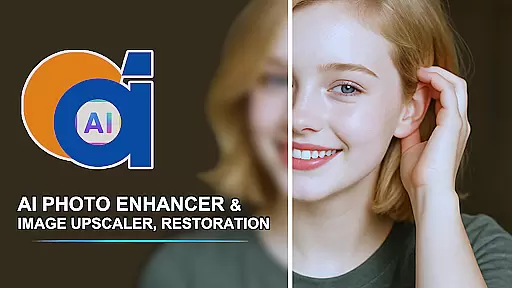
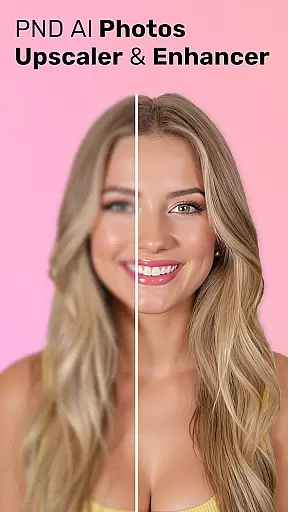
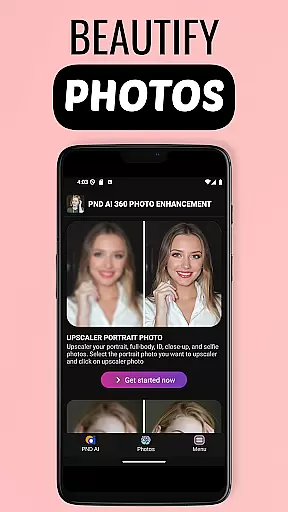
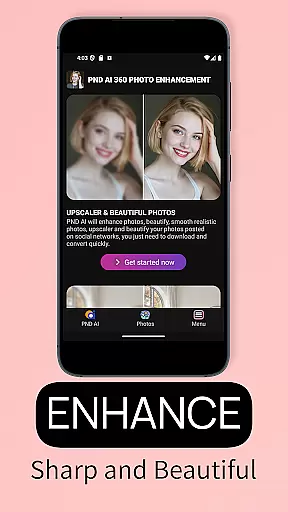
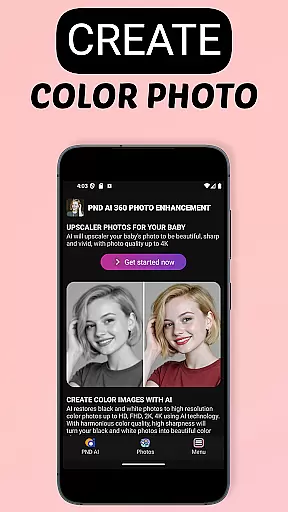
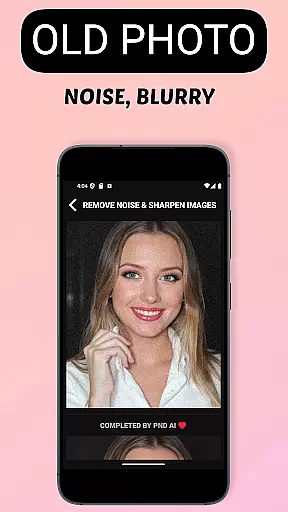
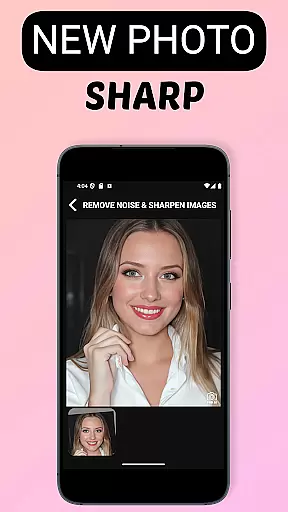
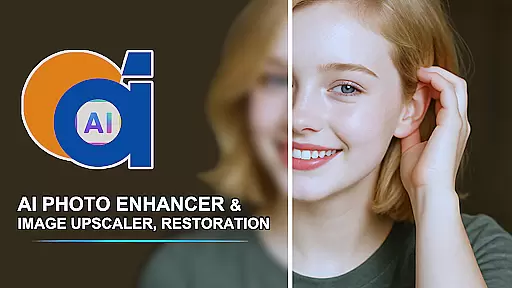
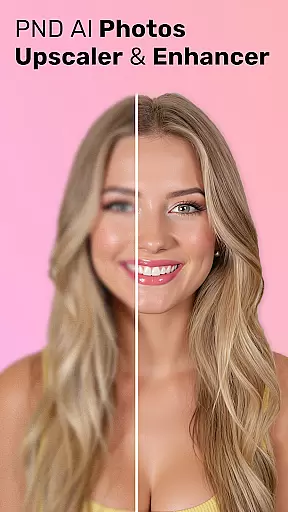
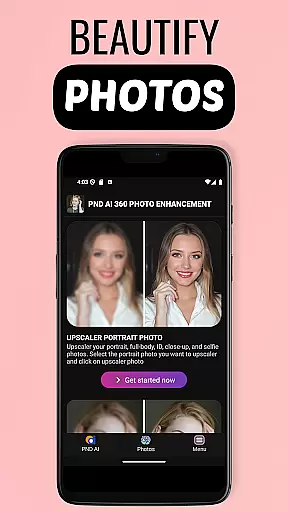
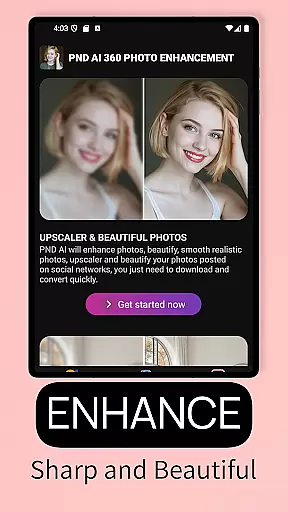
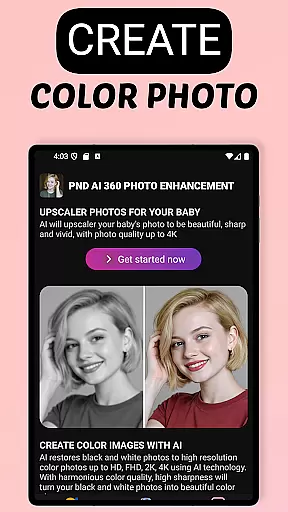
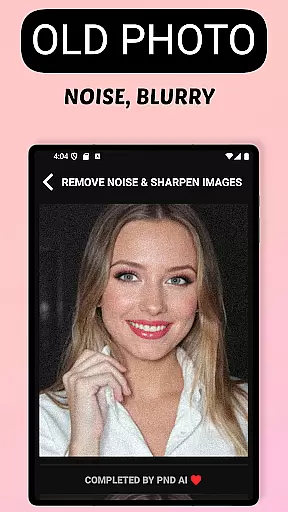
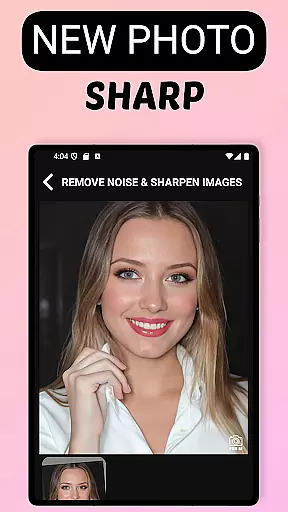
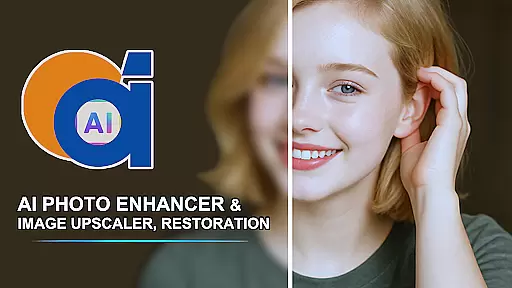
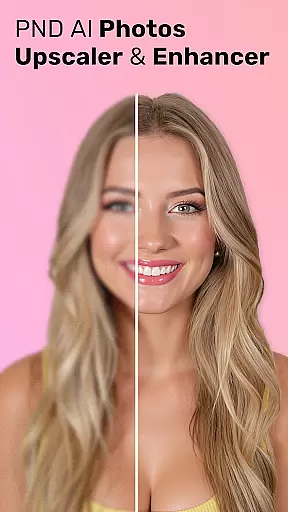
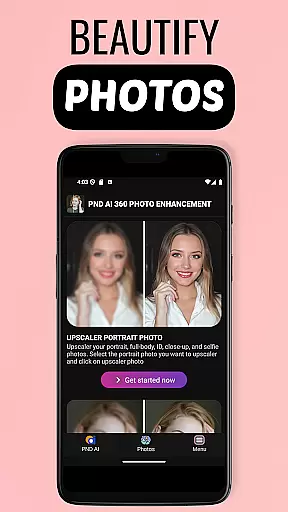
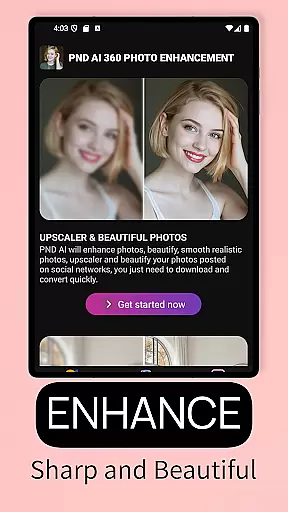
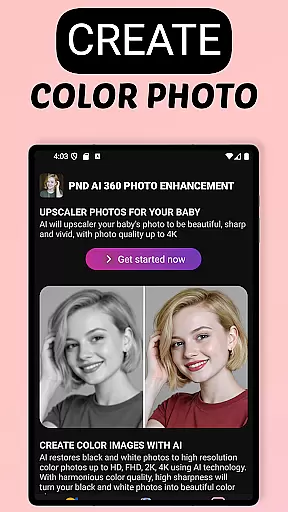
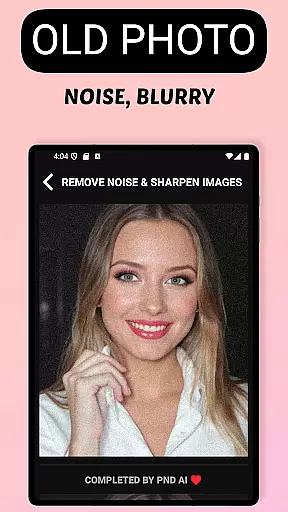
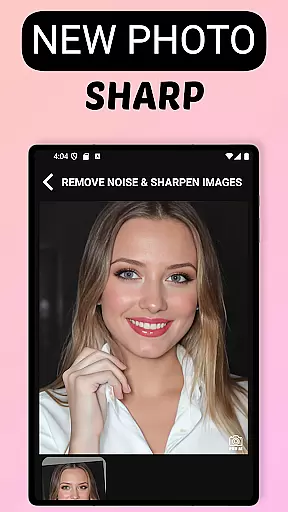
AI Photo Enhancer 360 is a cutting-edge AI-powered application that specializes in photo restoration and enhancement. The app's core functionality lies in its ability to transform low-quality, damaged, or old photos into sharp, vibrant images with a single touch. It employs advanced artificial intelligence algorithms to detect and repair imperfections in photos, such as blurriness, underexposure, and damage, while preserving their natural appearance.
Beyond restoration, the app offers creative features like black-and-white photo colorization, resolution upscaling to 2K, 4K, and even 8K, and beautification tools for portraits. These include skin smoothing, blemish removal, and light adjustments, enabling users to achieve studio-quality results. Additionally, AI Photo Enhancer 360 supports artistic photo creation, allowing users to generate unique profile pictures in various styles, from modern to cartoonish designs.
This app is ideal for individuals looking to restore cherished memories, enhance photo quality for professional use, or explore creative photo editing. Its user-friendly interface and powerful AI technology make it accessible to both casual users and professionals seeking efficient photo enhancement solutions.
AI Photo Enhancer 360 stands out with its comprehensive suite of AI-driven photo editing tools. One of its key features is the ability to restore old, blurry, or damaged photos automatically. The AI intelligently identifies problematic areas in the image, such as blurriness or underexposure, and applies corrections to enhance clarity and detail while maintaining the photo's authenticity.
The app also excels in creative enhancements. Users can colorize black-and-white photos, upscale image resolutions to ultra-high definitions like 4K or 8K, and beautify portraits by smoothing skin, removing blemishes, and adjusting lighting. Furthermore, the AI Gen technology allows for the creation of personalized profile photos in diverse artistic styles, including modern, classic, and cartoonish designs. This versatility makes the app suitable for both restoring memories and creating new, visually appealing content.
Security and privacy are prioritized, with all uploaded photos processed on a secure system and automatically deleted after processing. This ensures users' personal data remains protected while they enjoy the benefits of high-quality photo enhancement.
AI Photo Enhancer 360 offers an extensive product database that caters to a wide array of photo enhancement needs. The application is designed to address issues ranging from image sharpness to colorization, ensuring that every feature is backed by detailed information on usage and expected outcomes.
The app's comprehensive suite includes descriptions of various tools such as AI sharpening, beautification, and upscaling functionalities. Each tool is accompanied by in-depth details about its purpose, the technology behind it, and instructions for optimal use, empowering users with knowledge and control over their photo editing process.
Users benefit from this depth as they can make informed decisions on which features best suit their requirements. Whether restoring cherished memories or enhancing images for professional use, the detailed database ensures that users have all the necessary information at their fingertips.
This meticulous attention to detail extends to user support, where queries are addressed with precise information drawn from the product database. As a result, users experience a seamless journey from selecting the right tool to achieving their desired photo enhancements.
Personalization is at the core of AI Photo Enhancer 360, providing tailored solutions that adapt to individual user preferences and photo characteristics. The app employs advanced algorithms to analyze each image and apply enhancements that respect the original's integrity while delivering improved quality.
With personalized settings, users can adjust parameters like skin smoothing, blemish removal, and light adjustments to create studio-quality portraits. This customization extends to stylistic choices, allowing users to transform their photos into artistic renditions or playful cartoons, aligning with personal tastes or project requirements.
The precision of personalization also shines in the AI Gen technology, which crafts unique profile pictures imbued with personal style. Users can explore different aesthetics, from modern to classic, ensuring their social media presence or creative projects reflect their identity.
Ultimately, AI Photo Enhancer 360's commitment to personalization precision means that every edited photo is not just enhanced but truly customized, offering a distinctive touch that resonates with both casual users and professionals seeking bespoke photo editing solutions.
User-friendly interface
Advanced AI restoration
High-resolution upscaling
Artistic photo creation
Secure data handling
Limited free features
Subscription required
Occasional processing delays
Internet connection needed
Learning curve for beginners

Glow up with science: cosmetics, ingredients scanner, tracking & face analysis
 4.10
4.10
Beauty Camera - Selfie Camera with beauty editing tool, makeup, filter, sticker
4.60
Healthier, more beautiful with Medicube Digital Clinic AGE-R!
4.10
Use your phone as a makeup mirror, shaving mirror. Magnifying mirror with light!
4.80
Download Today
4.40
Change your hairstyle and color instantly with AI-powered virtual makeovers.
3.90
Hair style app, Face shape finder, Face shape, Hair style, Face shape detector
4.30
DSLR Hd camera capture high quality 4k hd picture with filters and blur editor
4.50
Top brand haircare & fragrance
4.60
Get Smart About Your Skin with Fully Personalized Beauty Tech!
4.80
Unique selfie filter camera! Upload live sticker & face filter every week!
4.70
AI Stylist, Try On Millions Of Clothes In Any Brand & Style, AI Clothes Changer
4.70
Beauty Mirror - True mirror app with light, shaving mirror, makeup mirror app
4.50
Winter picture editor: Christmas stickers, frames for photos & Christmas cards.
4.40
This application is for the Luvme Hair official website: shop.luvmehair.com .
4.30
True mirror app with zoom, LED light, for makeup & shaving anywhere!
4.20
Shop Smarter, Dress Better, and Shine Brighter!
4.10
Snap stunning selfies with AI from the Sweet Beauty Camera editor
4.10
Intelligent Beauty calculator tool! Face scale and face symmetry in one app!
3.80


User Reviews