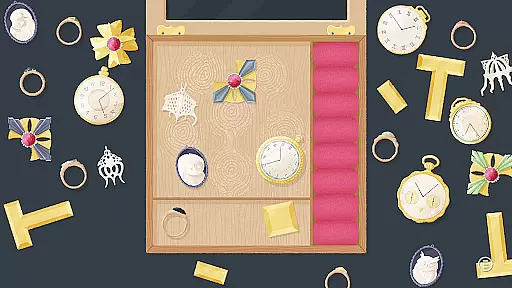
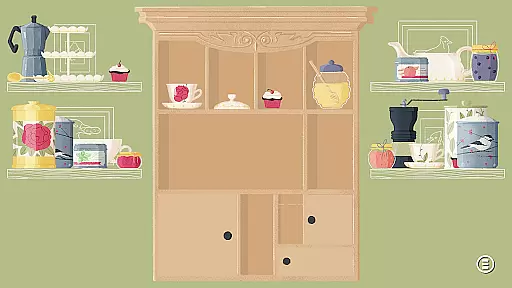
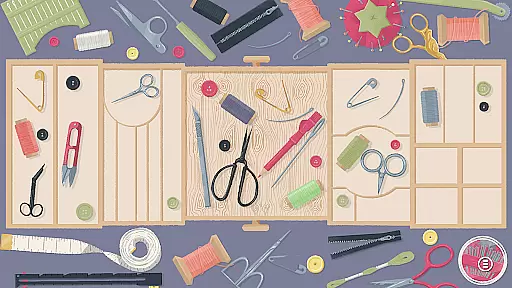
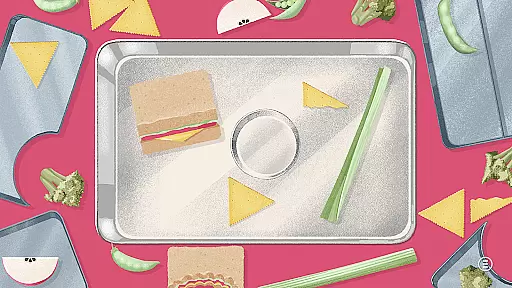
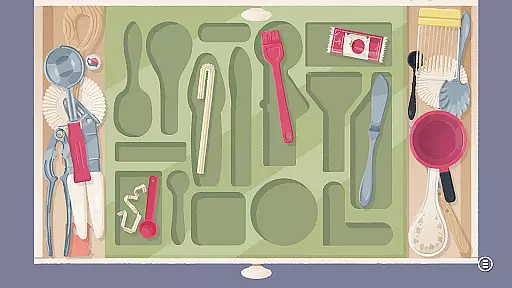

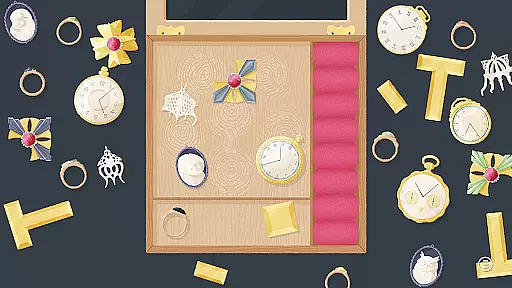
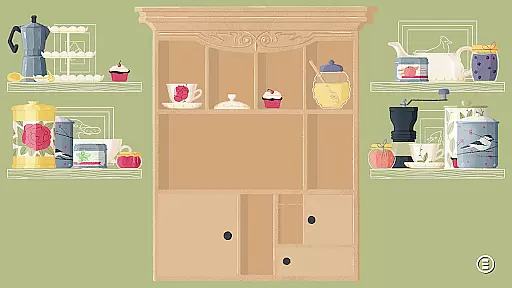
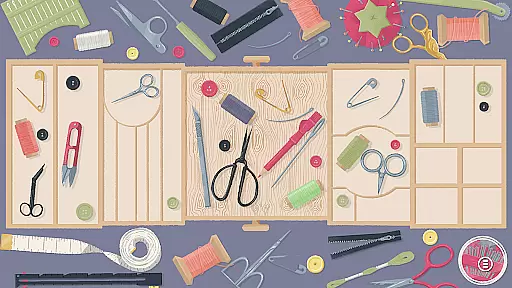
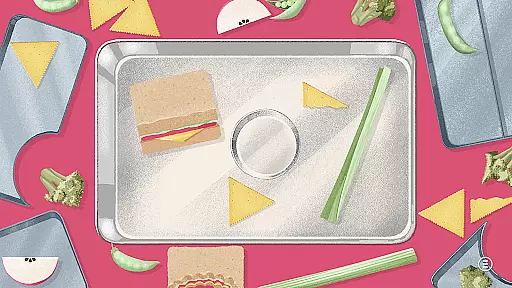
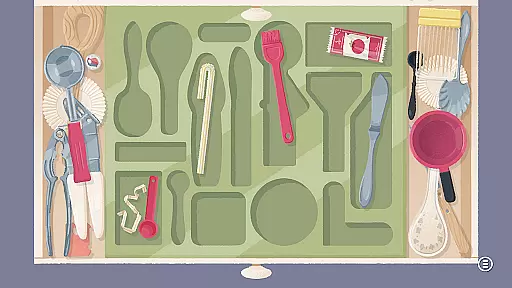

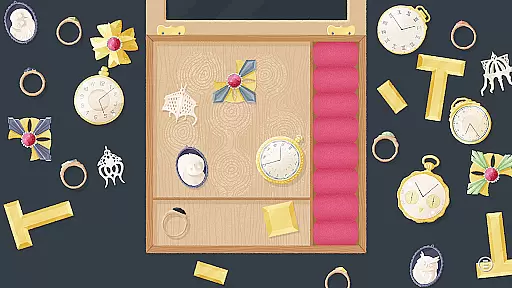
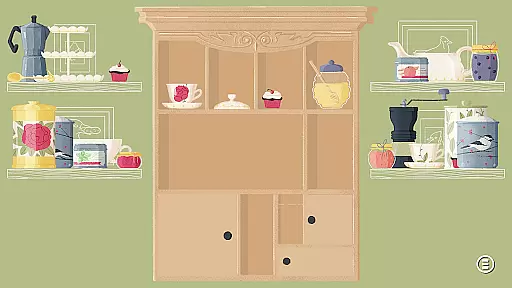
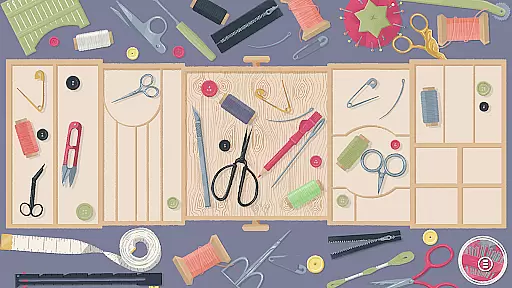
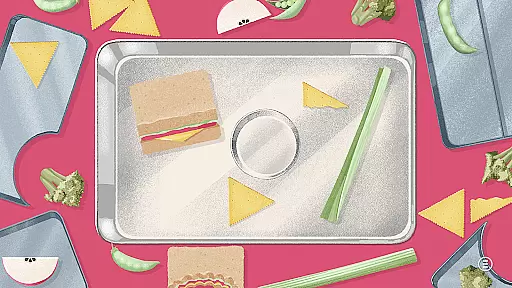
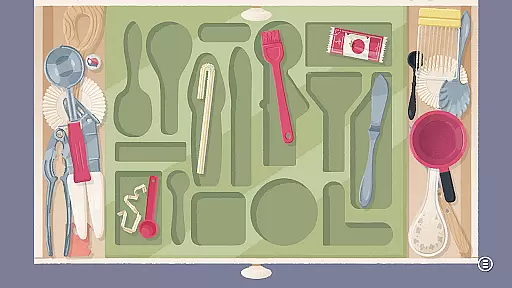

A Little to the Left: Drawers is a delightful puzzle game that invites players to sort, stack, and organize household objects into charming arrangements. With 25 new Cupboards & Drawers themed puzzles, the game offers a mix of traditional organization levels and intricate scenarios that include secret compartments and nested puzzles.
Players will enjoy exploring multiple steps of organization within single levels, interacting with four additional 'Pet the Cat' interludes, and managing multiple drawers in complex puzzles. The game's detailed illustrations and surprising elements make it an engaging experience for puzzle enthusiasts looking to tidy up with a twist.
This puzzle game stands out with its unique approach to organization and discovery. A Little to the Left: Drawers includes 25 new puzzles that blend Cupboard & Drawers themes with classic organizational challenges. Players must navigate through puzzles within puzzles, uncover secret compartments, and manage multiple drawers in a single level.
The game introduces new functionality allowing multiple organizational steps within one level, enhancing the depth of gameplay. With the addition of four 'Pet the Cat' interludes, players can take a charming break from sorting. These features collectively deliver an engaging and visually appealing puzzle-solving experience.
Puzzle logic consistency is essential for creating an engaging and rewarding experience in any puzzle game. In A Little to the Left: Drawers, this principle is brought to life through its carefully designed challenges that require players to think critically and creatively.
The game features 25 new puzzles that are themed around Cupboards & Drawers, each presenting unique scenarios where objects must be sorted, stacked, and organized into specific arrangements. The inclusion of multiple steps within a single level adds depth to the gameplay, ensuring that each action logically leads to the next.
Players benefit from this consistent logic as it allows them to develop problem-solving strategies and feel a sense of accomplishment upon completion. With puzzles nested within puzzles, the game offers layers of complexity that maintain interest and provide a satisfying progression path.
Creativity and uniqueness are at the heart of A Little to the Left: Drawers, setting it apart from other puzzle games on the market. The game introduces charming illustrations and surprising scenarios that captivate players' imaginations while they clean out cabinets and secret compartments.
Among its creative features are four additional 'Pet the Cat' interludes, which not only add a touch of whimsy but also serve as delightful breaks between challenging puzzles. These interludes contribute to the overall uniqueness of the gaming experience by offering unexpected interactions.
Furthermore, the introduction of secret compartments and multiple drawers that can be opened or closed within a level requires players to move objects strategically between them. This innovative approach ensures that no two playthroughs feel the same, enhancing replayability and keeping players engaged with fresh challenges every time they play.
Engaging puzzles
Charming illustrations
Innovative gameplay
Secret compartments
Cat interludes
Limited puzzle variety
Short playtime
Fewer difficulty levels
Simple graphics
Repetitive tasks

Get ready to dive back into a world full of wild twists and brainy fun!
 4.60
4.60
Erase the boundaries of your imagination, solve puzzles and see what's hidden!
4.60
Organize, merge and stack hexagon in this logical brain teaser! Solve and relax
4.50
Can you solve the water sort puzzle? Sort colors, enjoy ASMR, no Wi-Fi needed!
4.90
10000000: The Dungeon Crawling Matching Game
4.60
Threes is tiny puzzle that grows on you.
4.40
Solve logic puzzles. Test IQ skills. Seat unique characters. Compete friends!
4.70
Sudoku Classic Puzzles : More then 5000 puzzles, no ads, no network required
4.70
Drag, rearrange, match goods. Discover an addictive sort puzzle matching game
4.70
Master a black hole, solve & sort fun puzzles and play satisfying hole io games!
4.90
Challenging but addictive color sorting game. Play offline & train your brain!
4.90
A journey of discovery awaits
4.90
An illusory adventure of impossible architecture and forgiveness
4.90
Point and click escape room
4.80
The grand finale to The House of Da Vinci puzzle adventure trilogy is here.
4.70
Slide, match, and snap photo cards to master HD puzzle challenges.
4.60
Decorate King Robert's Castle by solving puzzles along the way!
4.60
Visit Brimwave Beach; merge, restore and design while you solve a fiery mystery.
4.60
Match and remove all tile pieces from the tower. Enjoy three game modes.
4.30


User Reviews